Do not remove an electrical panel cover, touch exposed conductors, bypass protection, or repeatedly reset a fault. Keep clear of smoke, sparks, burning odors, hot equipment, standing water near electricity, and downed lines, then call qualified help.
A guest arrives at your Latitude Margaritaville Watersound vacation rental, plugs an electric vehicle charger into a garage receptacle, turns on several kitchen appliances, and later reports that part of the home has lost power. Another guest may notice that a bathroom GFCI will not reset, a ceiling fan is clicking, or a smart thermostat has gone blank.
These symptoms can point to an overloaded circuit, a tripped protective device, a loose electrical connection, a failed receptacle, or a problem with connected equipment. The safest action is to stop using the affected appliance or outlet, unplug portable devices, and reset a breaker or GFCI only once. If it trips again, leave the circuit off and arrange professional service.
The most common electrical problems on vacation rentals in Latitude Margaritaville Watersound often appear because each group uses the home differently. High-demand appliances, extra chargers, and outdoor features can place more stress on circuits during busy stays.
Why Vacation Rentals Develop Electrical Problems
One group may use little more than lighting and television. The next may run the range, dryer, dishwasher, hair dryers, and numerous chargers together. Frequent turnover also wears receptacles and switches, while moved furniture can pinch cords. Smart-home devices add convenience but create additional power and control points that can fail.
Most Common Electrical Problems on Vacation Rentals in Latitude Margaritaville Watersound
Breakers That Trip Under Heavy Demand
A breaker interrupts power when current becomes unsafe. Several high-demand devices on one circuit may cause it to trip.
Examples include a hair dryer and portable heater operating together or several kitchen appliances running at once. Repeated trips may also indicate a short circuit, ground fault, damaged appliance, loose wire, or failing breaker.
GFCI Outlets That Will Not Reset
GFCI outlets reduce shock risk by detecting small amounts of current leaving the intended path. They are commonly used where moisture may be present.
A GFCI may refuse to reset because it has no incoming power, has failed internally, or is detecting a fault in another outlet or appliance connected downstream. Repeatedly pressing reset does not correct the cause.
Loose or Worn Receptacles
A receptacle that no longer holds a plug securely needs attention. Loose contact can create resistance and heat.
Watch for outlets that move in the wall, crackle, spark frequently, or show discoloration. These signs call for evaluation.
Smart-Home and Low-Voltage Equipment Failures
Smart thermostats, doorbells, locks, security devices, and lighting controls may stop working because of a tripped circuit, failed transformer, loose connection, depleted battery, or communication problem.
A blank screen does not always mean the device failed. The electrician may first confirm that it receives the correct voltage.
Ceiling Fan and Lighting Problems
Guests may report wobbling fans, clicking noises, flickering lights, or warm switches. The cause may be a loose bulb, worn switch, failing motor, damaged control, or loose connection.
Turn off a fan that shakes severely or produces a burning odor.
Garage and Exterior Receptacle Problems
Garage and outdoor outlets may serve refrigerators, chargers, decorative lights, or recreational equipment. Moisture, damaged covers, worn cords, and excessive load can cause GFCI trips or loss of power.
Use portable charging equipment only on a suitable circuit and receptacle. Stop using any outlet that becomes warm during charging.
Safe Checks the Homeowner Can Perform
Ask what was operating when the problem occurred. Determine whether one outlet, one room, or several areas lost power. Ask about odor, buzzing, heat, sparks, or water.
Unplug portable devices from the affected circuit. Check nearby GFCI outlets and press reset once if the device is dry and undamaged. At the panel, look for a breaker between the on and off positions. Move it fully off, then back on once.
You may replace a bulb with the correct type and inspect visible cords for cuts, melting, or loose plug ends. Remove damaged portable equipment from service.
Stop if the breaker trips again or if there is heat, smoke, water, arcing, or a burning smell.
What the Homeowner Should Not Attempt
Do not install a larger breaker to prevent tripping. The breaker must match the circuit wiring, and increasing its size can allow conductors to overheat.
Do not remove the panel cover, open electrical boxes, bypass a GFCI, tape a breaker on, or repair damaged cords with household tape. Do not use extension cords as permanent wiring or for vehicle charging.
Avoid replacing smart controls until the incoming voltage and connected equipment have been checked. Misdiagnosis can damage the replacement device.
Signs That Make the Problem Urgent
- Arrange urgent service for smoke, a burning odor, visible sparks, melted plastic, repeated breaker trips, shocks, crackling, or heat at a receptacle, switch, breaker, or panel.
- A partial power loss combined with lights becoming unusually bright or dim may indicate a loose neutral connection. That condition can expose equipment to damaging voltage.
- If water is near electrical equipment, keep everyone away. Do not stand in water to unplug devices or reach for a breaker. Call emergency services for active fire or smoke.
How a Licensed Electrician Diagnoses the Problem
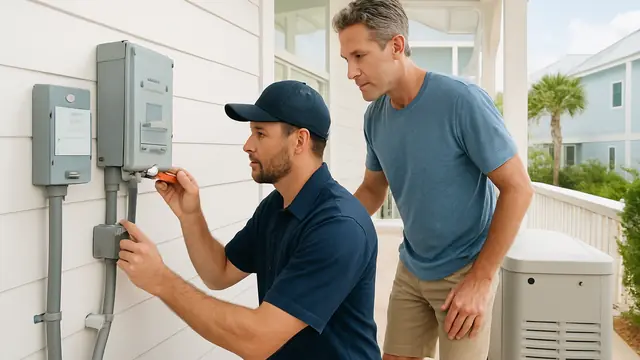
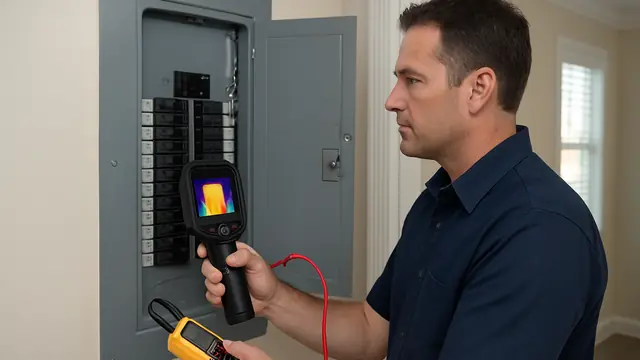
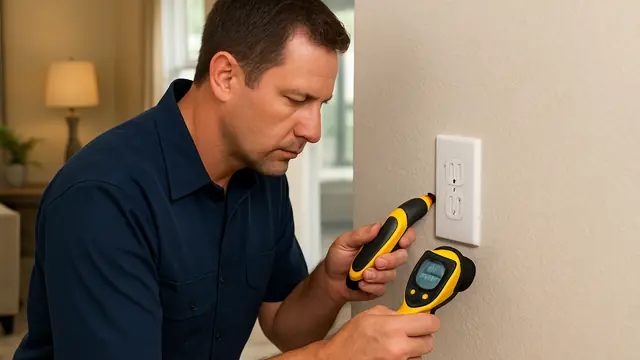
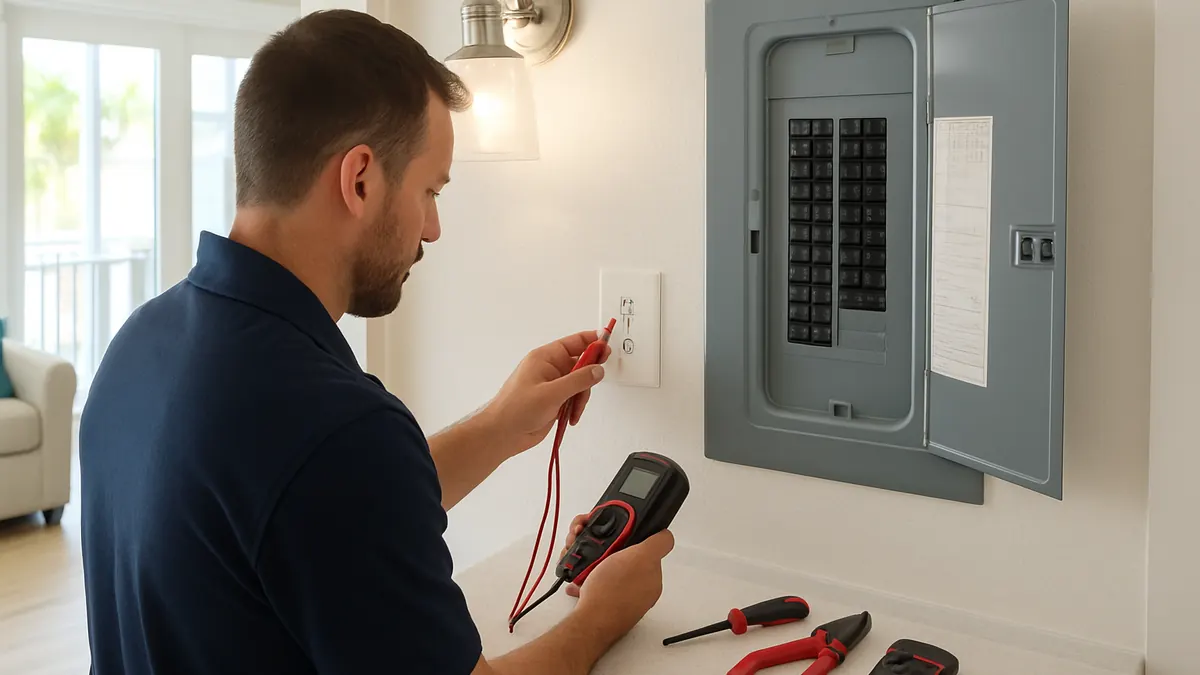
The electrician reviews what happened and checks which devices share the affected circuit. Voltage measurements can reveal missing, unstable, or abnormal power.
The electrician may inspect breakers, receptacles, switches, fixtures, and accessible connections. Load testing shows whether normal use is overloading the circuit, while GFCI and grounding tests help identify leakage or improper protection. Smart-device testing may include transformers, power supplies, control wiring, and line voltage.
Repair Options From Least to Most Invasive
The least invasive repair may remove a faulty appliance, replace a damaged cord, tighten a connection, or replace one worn outlet, switch, GFCI, or control.
After testing, a defective breaker can be replaced with the correct listed type. A failing transformer or smart-device power supply may also be replaced individually.
If demand is excessive, the electrician may recommend changing equipment use or installing a dedicated circuit for a regularly used high-load appliance. Damaged wiring may require limited wall or ceiling access.
Panel replacement or a service upgrade may be appropriate when equipment is damaged, overcrowded, obsolete, or unable to support the home's actual load. It should not be the automatic solution to one tripped breaker.
Factors That Affect Repair Cost
Cost depends on diagnostic time, whether the problem is intermittent, wiring access, and the number of devices involved.
Panel condition, permits, replacement equipment, and scheduling around guest stays also affect the scope. Diagnosis should come before a final estimate.
Prevention and Maintenance Guidance
- Use a turnover checklist for representative outlets, GFCIs, lights, fans, alarms, exterior receptacles, and smart controls.
- Ask staff to report warmth, loose plugs, flickering, buzzing, discoloration, or repeated resets. Keep the panel directory readable and update it when circuits change.
- Have new appliances, vehicle-charging plans, and other high-demand equipment reviewed before regular guest use. Replace damaged cords and loose receptacles promptly.
Take the Next Appropriate Step
The most common electrical problems on vacation rentals in Latitude Margaritaville Watersound include overloaded circuits, failed GFCI protection, worn receptacles, smart-device power failures, lighting problems, and garage or exterior outlet issues.
Document the symptom, stop using the affected equipment, and avoid repeated resets. A licensed electrician can determine whether the repair is limited to one device or requires a circuit, panel, or load-related correction.
About this guide: This resource provides general homeowner education, not a remote diagnosis. Actual conditions, code requirements, equipment, and safe repair options must be evaluated at the property.