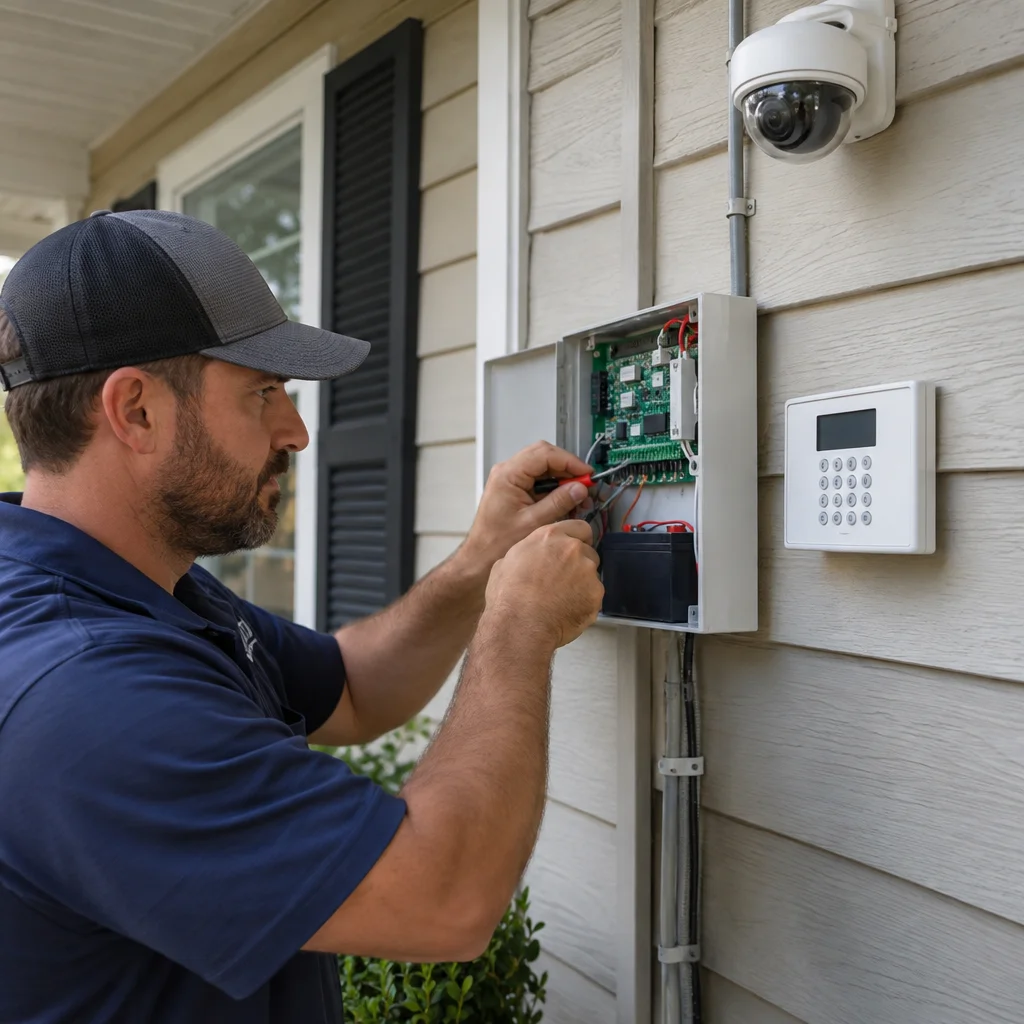
A camera above the garage is only as dependable as the wiring and power behind it. Loose connections, poorly placed outlets, and exposed cable can interrupt recording even when the camera itself works perfectly. Planning those details early helps prevent blind spots, nuisance shutdowns, and avoidable electrical repairs.
For Springfield, FL homeowners, that planning also needs to account for humid summers, coastal weather, lightning, and storm outages. A Superior Mechanical provides security system wiring in Springfield, including camera wiring, alarm wiring, access control cabling, smart security integration, and low-voltage infrastructure. A useful starting point is understanding how those systems fit into your home's electrical setup.
Start with the property, not the camera package
Walk through the areas you want to monitor before choosing equipment. Front entries, side gates, garages, and backyard doors often need different cable routes and lighting conditions. Decide where recordings will be stored, where network equipment will sit, and whether future additions might need coverage. A convenient camera location is not always a practical wiring location.
Older Springfield homes may have limited accessible outlets, undocumented circuit changes, or difficult wall cavities. Newer homes sometimes have structured wiring cabinets but lack cabling to the actual camera locations. During remodels and additions, open walls provide an opportunity to install pathways, supports, and cable before finished surfaces make the work more disruptive.
Separate low-voltage needs from household power
Security systems commonly combine low-voltage wiring with equipment that plugs into a standard household outlet. Power over Ethernet, or PoE, can carry data and power to compatible cameras through one network cable. Recorders, routers, switches, and power supplies still need a dependable electrical source. Wireless cameras may also need wired power, so wireless does not necessarily mean cable-free.
The wiring plan should identify both systems clearly. Household electrical wiring and communications cabling require appropriate separation, approved pathways, and installation methods suited to their ratings. They should not be placed together in an ordinary electrical box simply because there is room. Equipment instructions and applicable electrical requirements guide the layout.
Check the panel before adding equipment
Most residential security equipment uses relatively little power. Installing cameras does not automatically require a larger panel or a dedicated circuit. The concern is often the condition of the existing circuit, what else it supplies, and whether it provides stable power. A recorder sharing a heavily loaded circuit with garage tools may lose power when that circuit trips.
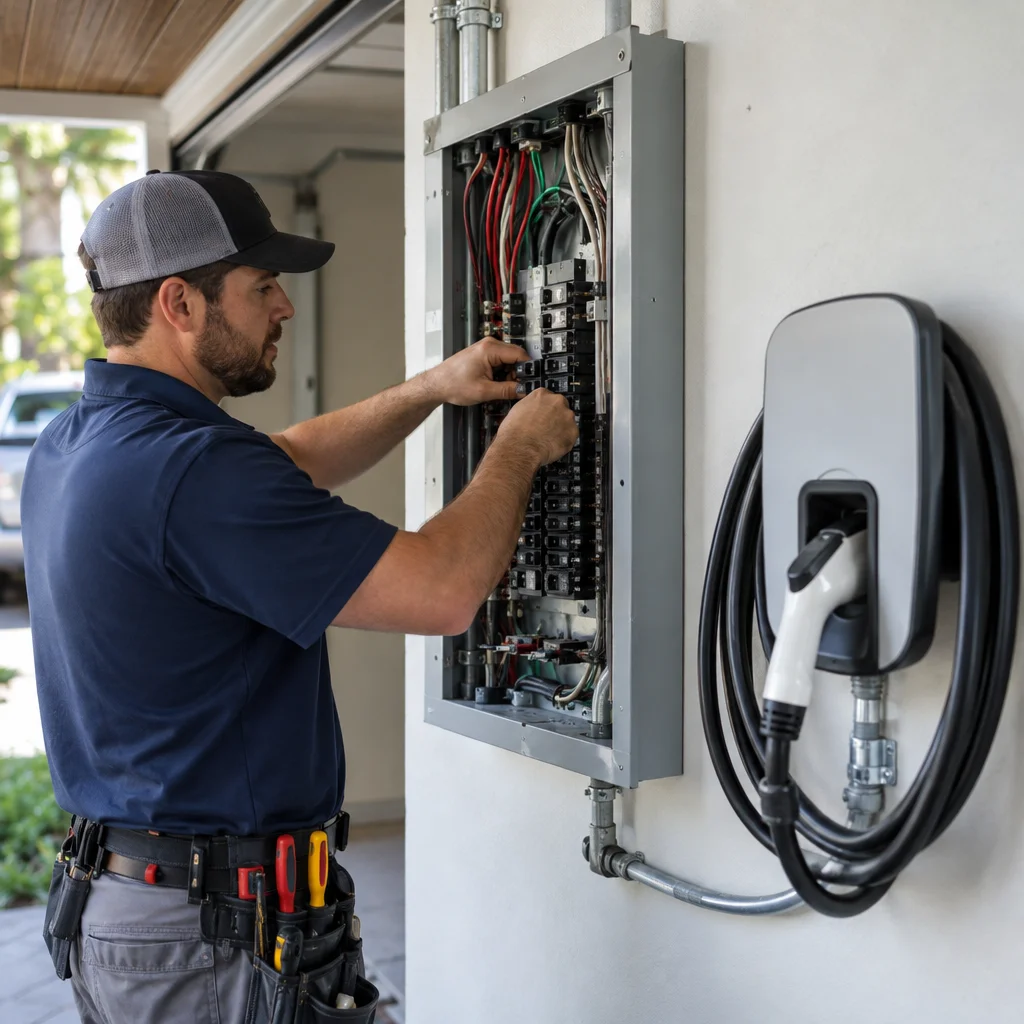
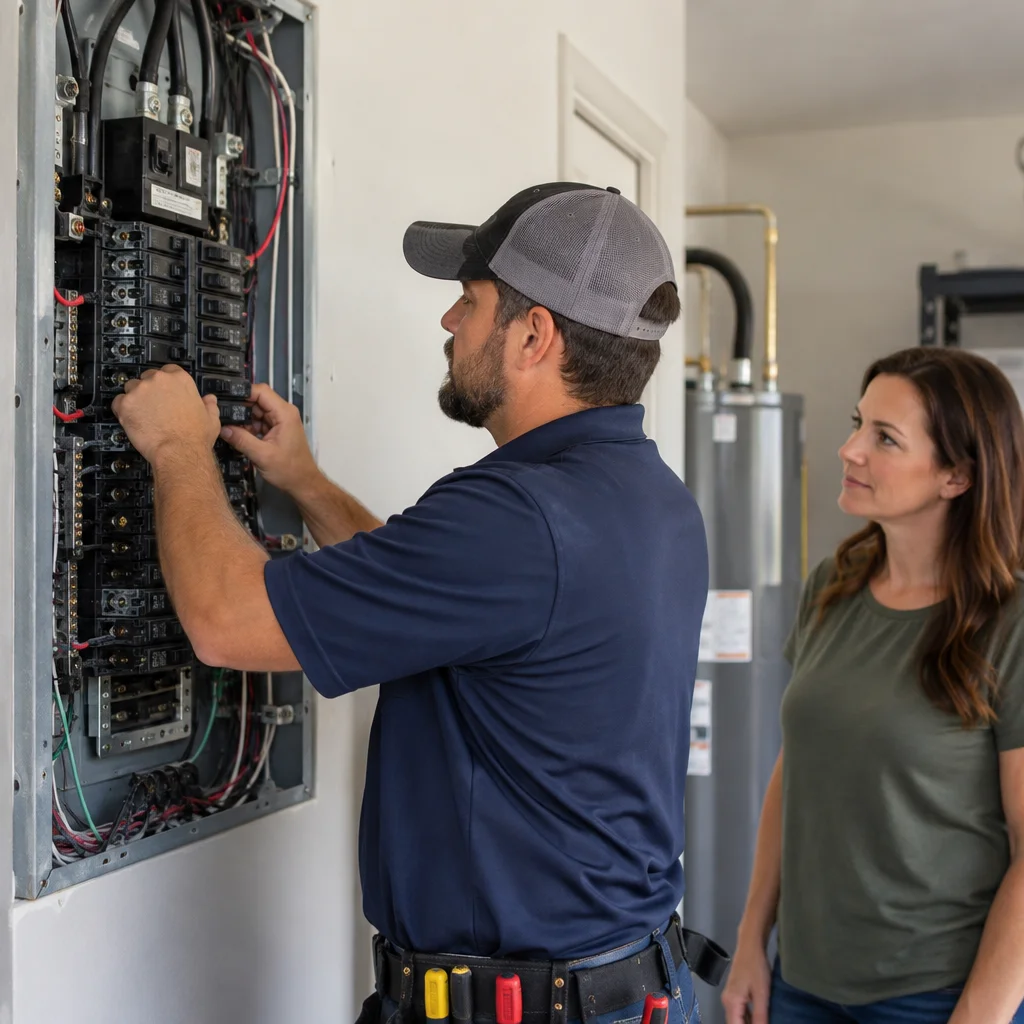
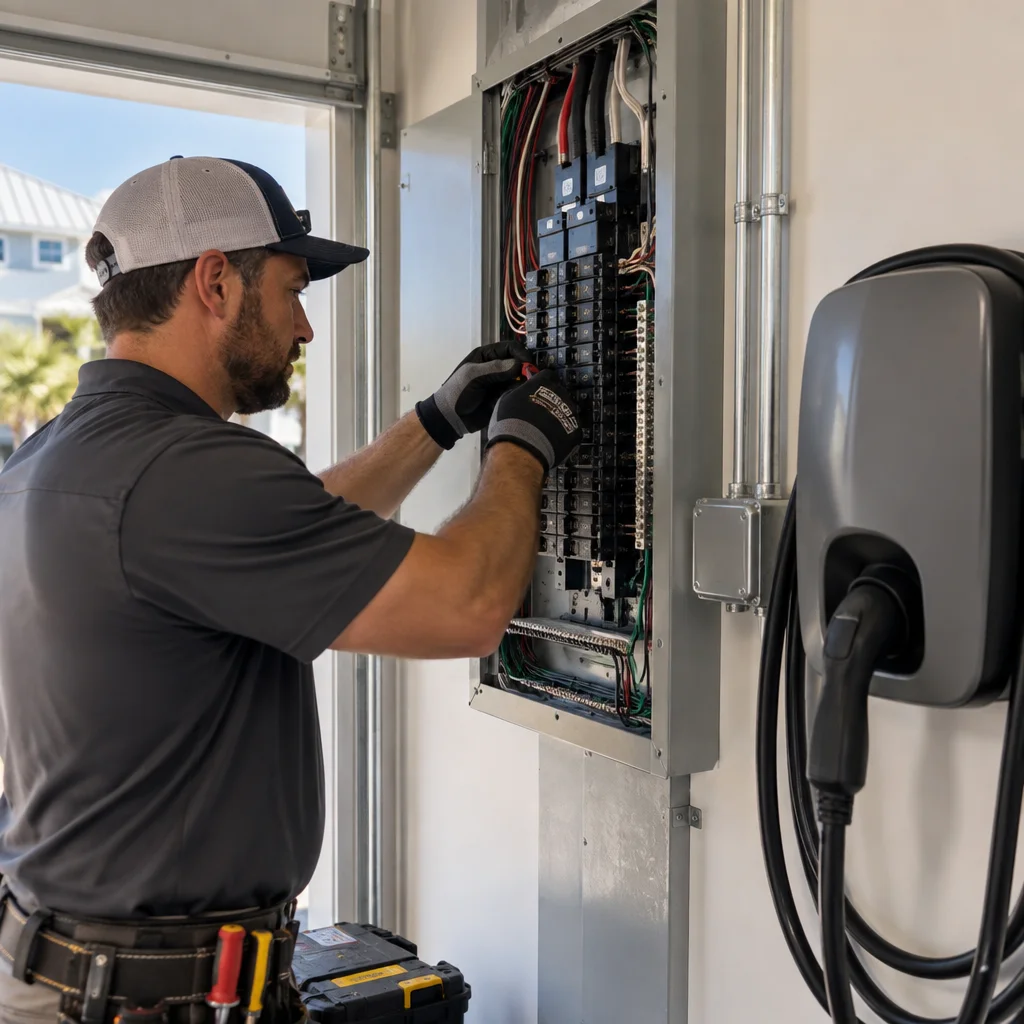
An electrical inspection can check panel condition, breaker compatibility, circuit labeling, grounding, and available capacity. Rust, moisture evidence, heat damage, and improper modifications deserve attention before new equipment is connected. A breaker that repeatedly trips needs diagnosis, not a larger replacement installed to stop the inconvenience.
Plan around the home's total power demand
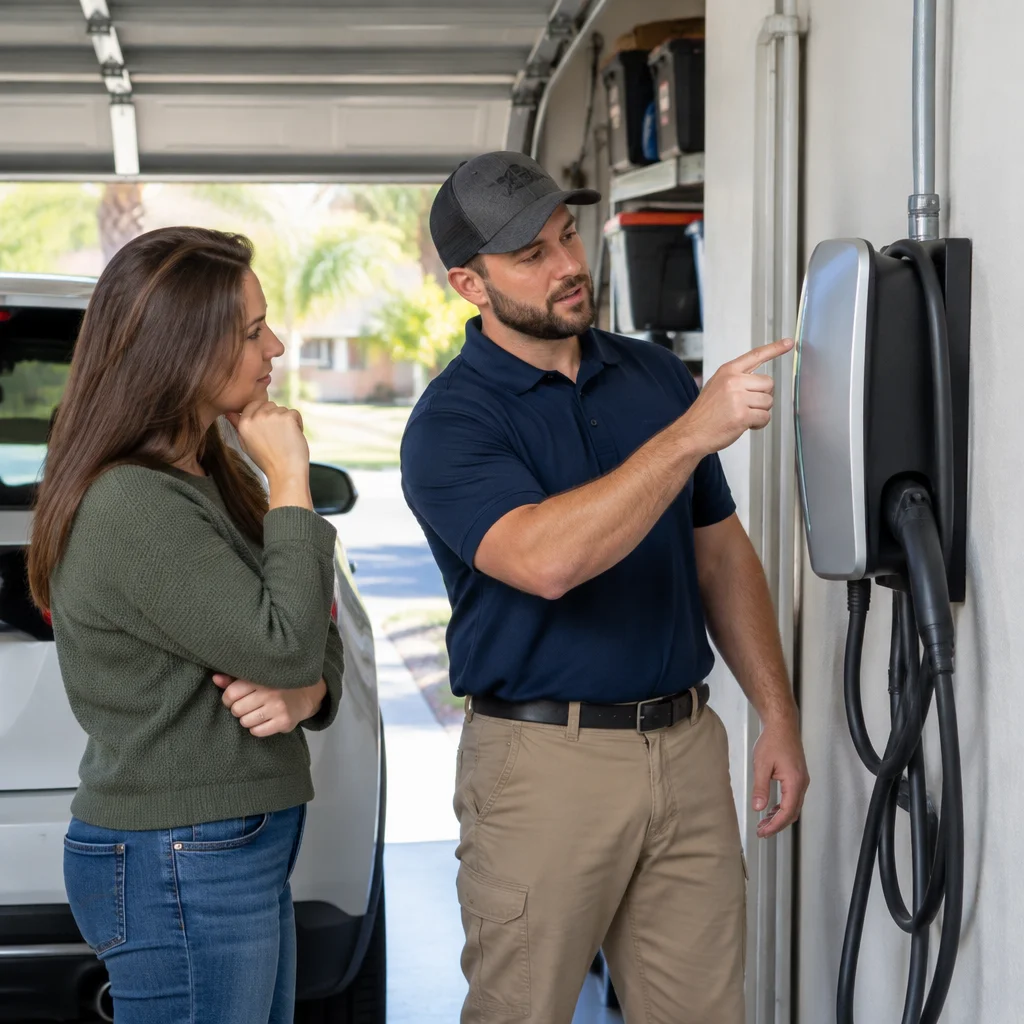
Security wiring is often part of a larger project involving EV charger installation, a kitchen remodel, new lighting, or an addition. Those loads should be evaluated together. A load calculation helps determine whether existing service capacity is adequate and whether panel upgrades or dedicated circuits are appropriate. Spare breaker spaces alone do not establish available capacity.
Homeowners searching for a licensed electrician near me should look for someone who evaluates the existing installation rather than quoting only a cable run. Breaker repair may involve correcting a circuit problem or replacing a defective breaker with a listed, compatible unit. Internal panel work is not a homeowner troubleshooting task.
Give security equipment a dependable outlet
A security recorder should not depend on an extension cord stretched across a storage room. Locate permanent outlets where equipment can remain accessible, ventilated, and protected from accidental unplugging. Avoid switched receptacles unless their operation is intentional and clearly understood. Turning off a wall switch should not unexpectedly disconnect cameras or the home network.
Loose plugs, discoloration, buzzing, intermittent power, or a warm receptacle face can indicate an electrical problem. An outlet repair near me search may start with a camera power adapter falling out, but the underlying issue could include worn contacts or a damaged connection. Stop using a suspect outlet and arrange an inspection rather than relying on a plug adapter.
Keep required GFCI protection in place
Outdoor outlets and many outlets in garages, damp areas, and other specified locations require GFCI protection under applicable rules. Security equipment does not justify bypassing that protection. If a GFCI trips repeatedly, an electrician should investigate moisture, connected equipment, and wiring faults. Appropriate weather-resistant devices and covers also matter where receptacles face outdoor exposure.
Route camera and alarm wiring for coastal conditions
Springfield's heat, humidity, and wind-driven rain make cable selection and entry-point sealing important. Indoor cable is not automatically suitable under an exposed eave or along an exterior wall. Outdoor, wet-location, sunlight-resistant, or underground-rated materials may be necessary depending on the route. Conduit does not automatically turn indoor cable into an acceptable wet-location installation.
Exterior connections need suitable enclosures and installation details that reduce water intrusion. Cable should be supported without crushing it, protected from physical damage, and routed away from sharp edges. Where penetrations cross rated assemblies, approved firestopping may be required. These details help prevent corrosion, damaged insulation, and recurring connection failures.
Protect signal quality as well as electrical safety
Long cable runs, poor terminations, and unsuitable cable can cause camera dropouts or unstable PoE operation. Network design should account for cable distance, camera power needs, and the total power budget of the PoE switch. Motors and certain electrical equipment can also create interference concerns, making thoughtful routing important around HVAC equipment, ceiling fans, and garage door openers.
Label both ends of each cable and leave accessible service points. For homes adding televisions, network connections, and security equipment together, coordinated home theater and AV wiring can reduce duplicate wall openings. Shared planning is useful, but different cable types still need their own appropriate routing and termination methods.
Use lighting to improve the camera's view
More light does not always produce a better security image. A bright fixture pointed into the lens can wash out faces, while a camera close to a reflective soffit may suffer nighttime glare. Coordinate camera positions with porch lights, driveway fixtures, and motion controls. Test the view after dark, not just during installation in daylight.
Interior lighting also affects entryway visibility and safe access to equipment. If switches, ceiling fan wiring, or older lighting circuits already need attention, address them during the same project. A Superior Mechanical's Springfield indoor lighting services fit naturally into that planning. The article Better Indoor Lighting Starts Behind the Walls in Springfield Homes explains why the supporting electrical work matters.
Build storm protection in layers
Bay County storms can interrupt utility power and create damaging voltage disturbances. Surge protection, proper grounding and bonding, and backup power address different problems. None replaces the others. A surge protective device does not keep cameras running during an outage, and a battery backup is not a substitute for correcting grounding defects.
If you are searching for a whole home surge protector near me, ask how service-level protection can work with manufacturer-recommended protection for sensitive security and network equipment. Conductive outdoor data cables may also need suitable surge protection. Protection must be selected and installed correctly, and no residential surge device guarantees survival from every lightning event.
Back up the complete recording path
A battery backup should support the equipment necessary for your intended operation. That may include the recorder, PoE switch, router, and modem or fiber terminal. Keeping only the recorder powered will not help if its cameras lose power. Runtime depends on the connected load, battery condition, and backup unit capacity.
Remote viewing also depends on an available communications connection. Local recording may continue during an internet outage if the system supports it, while remote alerts may stop. Confirm those behaviors before storm season. Systems with cellular backup have separate coverage, subscription, and battery considerations that should be discussed with the security provider.
For longer outages, homeowners comparing generator installation near me options should consider which circuits need backup power. Kohler power backup generators in Springfield may be part of a broader continuity plan. Standby generators require appropriate transfer equipment, and portable generator hookups need an approved arrangement that prevents backfeeding. Never power a house through a wall outlet, and operate portable generators outdoors, well away from openings.
Recognize electrical trouble before recording stops
Repeated recorder restarts, camera outages during appliance use, and frequently tripped breakers warrant investigation. Causes may include overloaded circuits, loose connections, failing power supplies, moisture intrusion, or network faults. The timing of the problem helps narrow the diagnosis. Note which devices fail and whether the issue follows rain, lighting changes, or operation of another appliance.
Burning odors, smoke, sparking, shocks, or a hot panel are emergency electrical concerns. Keep people away and do not touch suspect equipment. For smoke or fire, leave the building and call emergency services. Contact an emergency electrician for urgent electrical hazards once immediate safety is addressed. Never open a panel or repeatedly reset a breaker to keep security equipment running.
Make maintenance and documentation part of the installation
Check camera views, accessible cable, enclosure condition, and backup battery status periodically and after significant storms. Follow manufacturer testing and replacement schedules. Avoid opening electrical enclosures or climbing onto a wet roof to inspect wiring. A qualified professional should investigate water damage, corrosion, persistent faults, and damaged connections.
Keep a simple record of camera locations, cable labels, circuit assignments, equipment models, and backup settings. During electrical maintenance, ask about needed code corrections and any concerns with nearby outlets, switches, or smoke detectors. Security alarm wiring does not replace required smoke detector installation, testing, or household fire-safety provisions.
Coordinate the work with a Springfield electrical professional
Local electrical service matters because installation choices must suit the property, coastal exposure, and current requirements. Permits and inspections may apply depending on the scope, particularly when adding line-voltage circuits or changing panels. Access control also needs careful coordination so door hardware does not interfere with required emergency egress.
A Superior Mechanical serves Springfield homeowners and properties throughout Bay County. Bring a list of desired camera locations, existing electrical problems, and planned upgrades to the conversation. To arrange security wiring that accounts for power, cabling, lighting, and future access, contact A Superior Mechanical and discuss the condition of your home before equipment locations are finalized.
Find Security System Wiring in Springfield, FL
If you need Security System Wiring in Springfield, FL, visit our local service page or contact A Superior Mechanical today.
Map of Springfield, FL
Frequently Asked Questions
Does security system wiring require a dedicated circuit?
Not always. Many residential systems have modest power requirements and can use a suitable existing circuit. An electrician should evaluate the equipment load, circuit condition, other connected appliances, and manufacturer instructions before recommending a dedicated circuit.
Will wired security cameras keep recording during a Springfield power outage?
Only if the necessary equipment has backup power. Depending on the design, cameras, the PoE switch, and the recorder may all need battery or generator support. Remote viewing also requires a working internet or cellular connection, even when local recording continues.
Can security cables be installed alongside household electrical wiring?
They need appropriate separation or an approved installation arrangement based on cable classifications, equipment ratings, and applicable code. Do not run low-voltage security cable through ordinary electrical boxes or raceways with household power wiring without professional evaluation.
Related Articles
- Commercial Electrical New Construction in Springfield, FL: A Practical Guide to Panels, Wiring, Outlets, and Prevention
- Why Preventive Electrical Service Matters for Security System Wiring in Mary Esther, FL
- Smart Electrical Planning for Security System Wiring in Bluewater Bay, FL
- Better Indoor Lighting Starts Behind the Walls in Springfield Homes
Photo Gallery