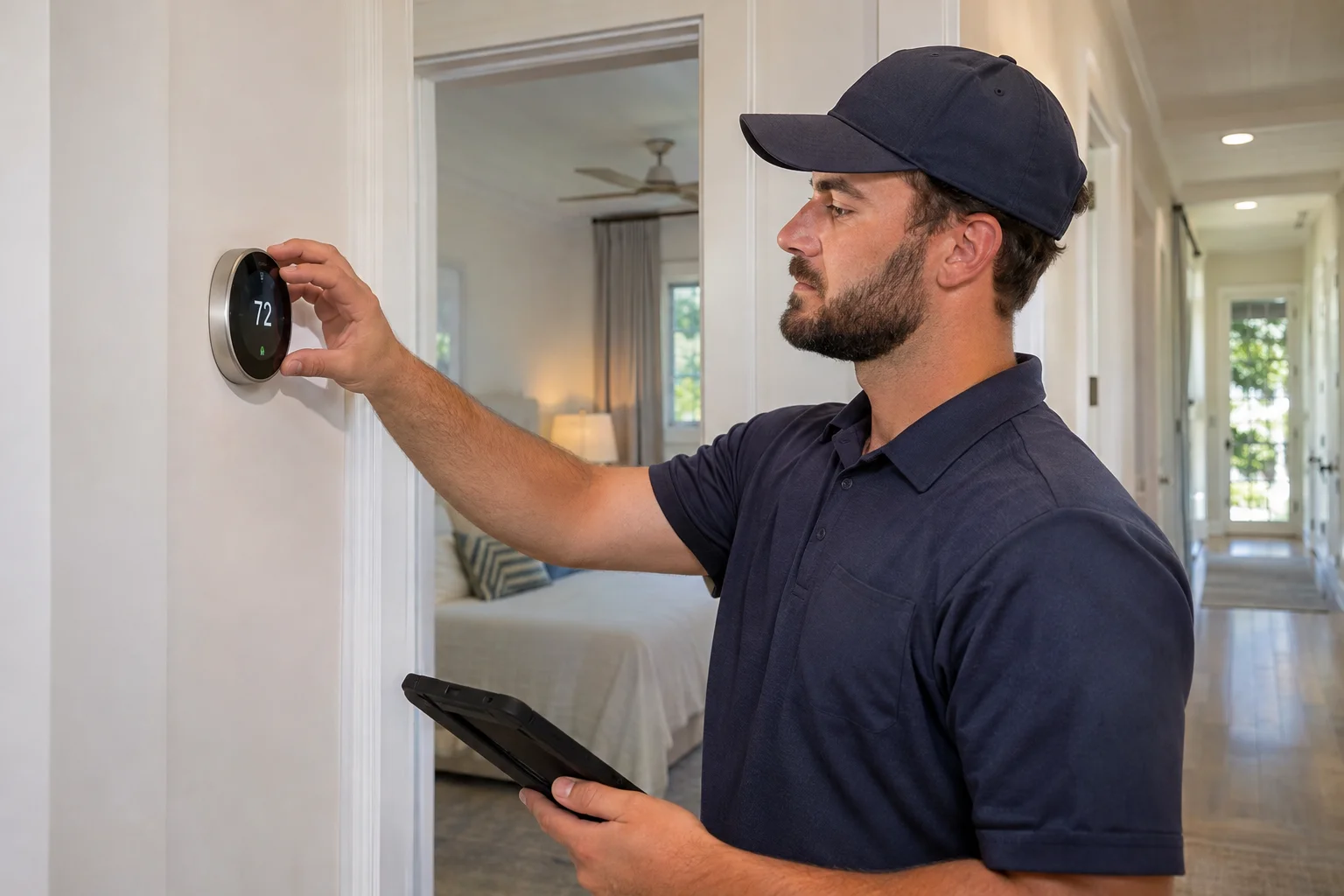
At bedtime, the hallway thermostat says 74, but the upstairs bedroom still feels warm. Lower the setting and the bedroom may finally get comfortable just as the downstairs gets too cold. In a WaterColor home, the useful question is not always what temperature to set. It is which room the thermostat is listening to, and whether the cooling system can deliver enough air to the room where you sleep.
A smart thermostat can change which sensor guides a cooling cycle, track indoor humidity and let you check on the house between visits. The right plan starts with the comfort problem, not the features on the box. Here is how to sort out what a new control can do and what needs attention elsewhere in the HVAC system.
Start with one uncomfortable room
For a couple of typical days, note when the room feels uncomfortable and what is happening in the rest of the house. Does the west bedroom warm up only in late afternoon? Does the guest room stay comfortable until someone closes the door? Record the thermostat reading alongside a separate thermometer reading in the problem room. Keep the thermometer away from windows and supply vents, and give it time to settle before comparing numbers.
Those details point to different solutions. Afternoon sun may make a bedroom a good candidate for a remote sensor on a timed schedule. A room that warms up whenever the door shuts may lack a path for air to return to the air handler. Asking the AC to run longer might cool that room a little, but it will not create the missing return path. That distinction matters before you pay for thermostat installation.
Match the thermostat to the equipment it will operate
Two thermostats that look nearly identical can control very different equipment. Before shopping, photograph the model labels on the indoor and outdoor units and note whether different floors already have separate controls. In older WaterColor homes, the wall control may have outlasted an equipment change. In newer homes, a plain-looking thermostat may be part of a sophisticated system that adjusts output as demand changes.
Heat pumps, furnaces and communicating controls
A heat pump control needs to manage both cooling and heating, including auxiliary heat if the system has it. A thermostat configured for a conventional furnace instead can produce the wrong response even if its screen works perfectly. Some variable capacity systems rely on a manufacturer’s communicating control. Replacing it with a generic smart model can mean losing useful staging, humidity or diagnostic functions. Ask which existing features will still work after the change.
If a search for “smart thermostat installation near me” turns up several options, ask what the installer tests before leaving. For A Superior Mechanical’s smart thermostat service in WaterColor, have your equipment details and comfort notes ready to discuss. Request a walkthrough of cooling, fan operation and any heating stages that can be tested under current outdoor conditions.
Additions and rooms with their own systems
A remodeled porch or finished room over a garage may have a ductless mini split rather than a branch off the central ductwork. Its controller generally operates that room alone. A remote sensor paired to the central thermostat cannot make the mini split cool. Confirm compatibility before replacing a ductless controller, particularly if you use its dry mode or adjustable fan speeds. For a larger renovation involving a ground source system, this guide to planning geothermal HVAC for WaterColor homes covers a different equipment option worth considering early.
Give coastal humidity its own reading
On a cloudy, humid day in Walton County, a house can reach its target temperature quickly and still feel clammy. The evaporator coil removes moisture while it is cold. Short cooling cycles may satisfy the thermostat without removing enough water. Open patio doors, frequent showers and humid air leaking into return ducts can add to that moisture load. A lower temperature setting is an expensive substitute for figuring out which condition applies.
Start by watching indoor relative humidity over several days. Roughly 30 to 50 percent is a useful general target, though the reading will move with temperature and household activity. A brief rise after a shower is less telling than readings that stay above 60 percent long after the bathroom has dried. If the thermostat is close to the bathroom or kitchen, check its reading against a separate humidity meter in the living area.
For most central cooling systems, use the automatic fan setting unless your equipment calls for a different setting. Running the blower continuously after cooling stops can return moisture from the wet coil to the rooms. Also distinguish between a thermostat that displays humidity and one that can control compatible dehumidification equipment. If indoor air quality is the concern, ask how the system will actually remove moisture on days when the house needs very little cooling.
Trace the airflow before adding more sensors
A sensor is useful when the thermostat samples the wrong space. It is less useful when a distant vent barely delivers air. Check that a rug is not covering a floor register, a sofa is not blocking a return grille and the filter is the correct size and seated properly. Avoid closing a row of downstairs vents to force air upstairs. That can raise system pressure without sending enough additional air where it is needed.
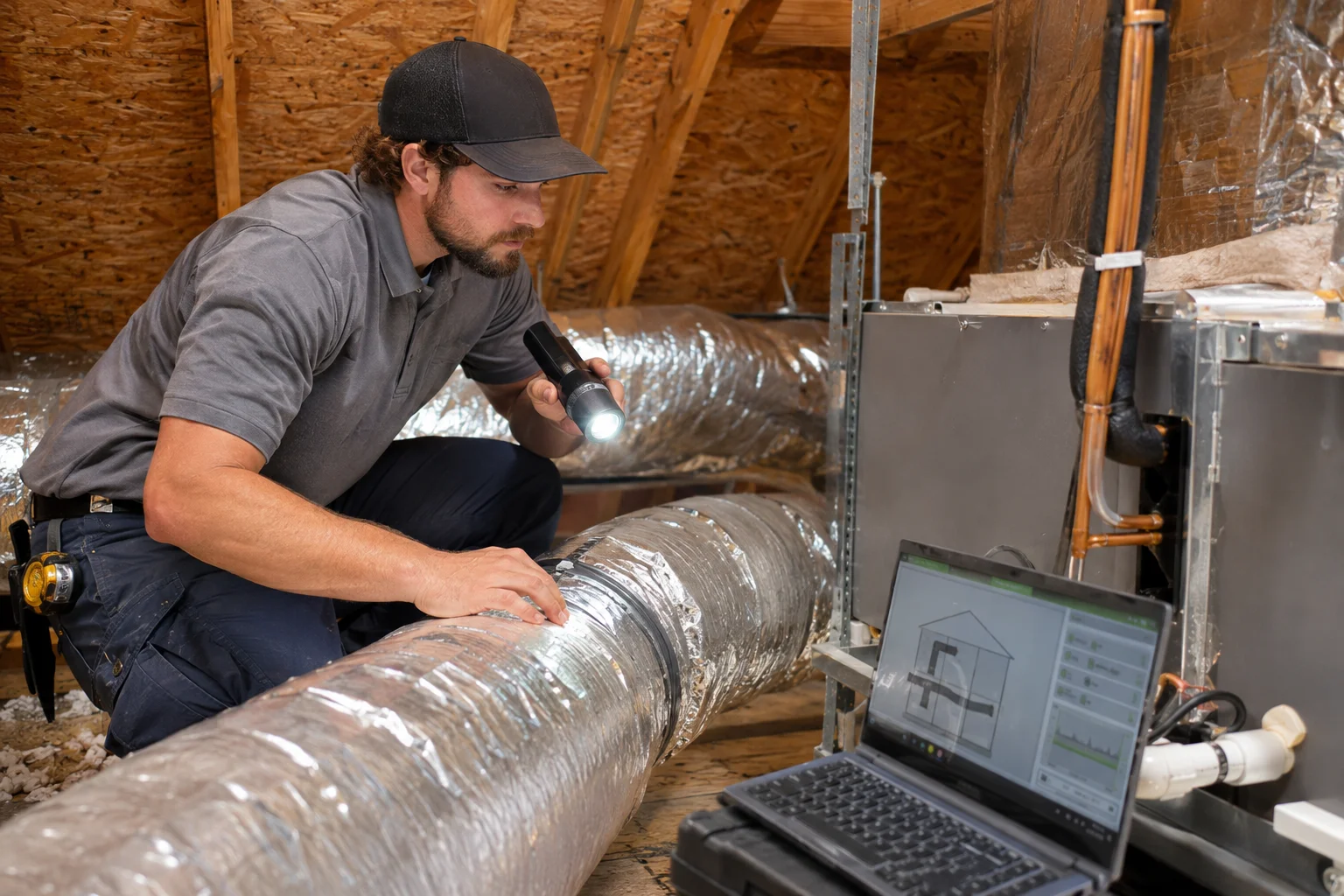
Persistent differences warrant a duct inspection. An attic branch may be crushed, a joint may have separated during a remodel, or an addition may have been connected to a run that was barely adequate for the original room. If you have been looking for “airflow balancing near me,” ask whether the visit includes airflow measurements and a check of return paths with bedroom doors closed.
Measurements help separate a balancing issue from a repair issue. Adjusting an accessible balancing damper may help an intact branch; a disconnected run needs to be reattached and sealed. Local ductwork services can address leaks without replacing sound material. Once delivery is reasonably even, try using the bedroom sensor overnight and the main living area sensor during the day. Check whether the downstairs stays comfortable before making that schedule permanent.
Build a schedule around the way the house is used
A year-round household might need just two scheduled changes: one for sleep and one for the daytime routine. Start with a modest adjustment and review a week of runtime instead of changing settings every afternoon. Compare days with similar weather and occupancy. A long, steady cooling cycle on a hot July afternoon is not by itself evidence of poor energy efficiency, particularly with equipment designed to run at reduced capacity.
For a vacation home, use an away setting that still gives the system a chance to manage moisture. Try it first during a short absence and review temperature and humidity together. If the house stays within its temperature limit but humidity keeps climbing, do not extend that schedule to a monthlong vacancy. Ask about dehumidification and air leakage. On a heat pump, a large winter setback can also backfire if recovery brings on electric auxiliary heat.
Make guest operation simple
Leave guests a short note explaining how to change the temperature and how long a temporary hold lasts. Set up owner alerts separately so a guest does not have to diagnose a problem. Pick a local contact who can check the property after storms. Loss of an app connection can mean the internet is down while cooling continues normally; it can also mean the house has lost power. An offline notification alone cannot tell you which.
Use alerts to catch trouble, not diagnose it
Salt air can accelerate corrosion on outdoor condenser coils and connections. Leaves and windblown debris after coastal storms can also obstruct an outdoor unit. A smart thermostat cannot see either condition. What it may show is a change from the house’s usual pattern: hours of cooling demand without the expected drop in temperature. Check doors, settings and the accessible filter first. If those look normal and cooling continues to fall behind, arrange air conditioning service.
Water around an air handler, ice on an accessible refrigerant line or airflow that suddenly fades deserves more than a schedule adjustment. A blocked condensate drain line may trip a float switch and interrupt cooling. Ice can result from restricted airflow or a refrigerant leak; the thermostat cannot distinguish them. Stop cooling if you see ice, and do not bypass a safety switch or restart a leaking unit over a wet ceiling. Tell the AC repair technician exactly what you observed.
If cooling fails during dangerous heat, move vulnerable occupants somewhere cool rather than waiting indoors for a repair. When a search for “emergency AC repair near me” becomes necessary, share the indoor temperature, whether air is moving and whether there is water near the equipment. For smoke or an active fire, leave the home and call emergency services. An app reset is not a safe test for an overheating unit.
Put the thermostat on the seasonal service checklist
Before summer arrivals put extra demand on the house, schedule air conditioning maintenance in WaterColor. Ask the technician to check coil condition, condensate drainage, filter fit and blower performance, then compare the thermostat reading with a reference instrument. Bring a screenshot from a day the house struggled. Knowing that the humidity rose overnight with every exterior door shut is more useful than a general report that the AC feels weak.
Before the first cool spell, review the heating schedule and test normal operation. If a heat pump repeatedly calls for backup heat in mild weather, or a furnace starts but does not warm the house, request heat pump repair or furnace service rather than raising the target several degrees. Save the model information and installer settings with the service record so the next technician knows how the controls were intended to work.
For help deciding between a control upgrade and a system repair, explore A Superior Mechanical’s WaterColor HVAC services or check service coverage across Walton County for another property. Start the conversation with the room, time of day and reading that bother you most. The best test of a new thermostat is not whether the hallway reaches 74. It is whether the bedroom feels right when you close the door for the night.
Find Smart Thermostats in WaterColor, FL
If you need Smart Thermostats in WaterColor, FL, visit our local service page or contact A Superior Mechanical today.
Map of WaterColor, FL
Frequently Asked Questions
Can a smart thermostat cool my WaterColor bedroom without cooling the downstairs?
Not if one central system serves both spaces as a single zone. A bedroom sensor can tell that system when to run, but air still reaches both floors. If downstairs already gets too cold, have the bedroom supply airflow and return path checked before adding sensors.
Will a smart thermostat keep humidity down while my vacation home is empty?
Some models only measure humidity. Others can adjust cooling operation or control a compatible dehumidifier. Test your away setting during a short trip and review the humidity history before relying on it for a longer vacancy.
What should I keep working if my thermostat loses Wi-Fi during a coastal storm?
Most smart thermostats can still control the HVAC system locally if the equipment has power. Remote access and alerts may stop, and some schedule or sensor features depend on the model. Ask your installer to show you how to adjust the temperature at the wall without the app.
Related Articles
Photo Gallery