A driveway camera that goes dark every evening might not need replacing. Its power adapter could be plugged into the half of a garage outlet controlled by a wall switch. A recorder that stays on during a storm can still lose every camera feed if the network switch across the house loses power. Both problems are easier to catch on a floor plan than after the equipment is mounted.
For homeowners planning security system wiring in Fort Walton Beach, FL, the useful question is not just where a camera should point. It is how power and data will reach it, what else shares that circuit, and whether the installation will hold up through a humid summer and a season of Gulf storms.
Walk the property before choosing the equipment
Start at the doors you actually use. In one house that might be the kitchen door off the carport; in another it might be a side gate leading to a detached garage. Stand at each proposed camera location and identify what you want to see. Recognizing a face at the front step is a different job from seeing whether a car is parked in the driveway. Check the view after sunset, too. A porch light just outside the frame can reflect off a white soffit and wash out the image.
Next, find a dry indoor spot for the alarm control panel, recorder, and network equipment. The hottest corner of an unfinished garage may be convenient for pulling cable but outside the recorder's temperature rating. Leave enough space to reach plugs, read indicator lights, and change a backup battery without taking down a shelf. Mark that location on your sketch along with the main electrical panel, router, and any existing outlets you hope to use.
Read the panel in the context of the whole house
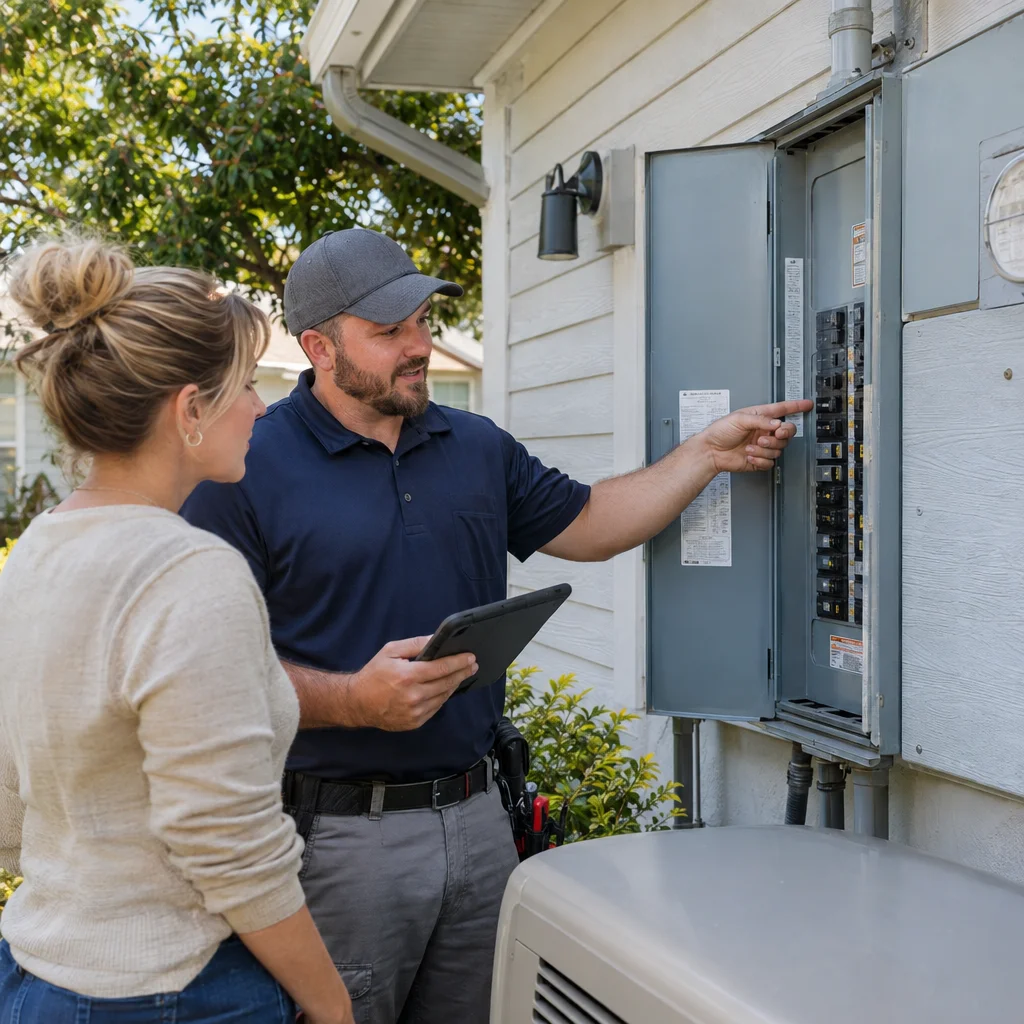
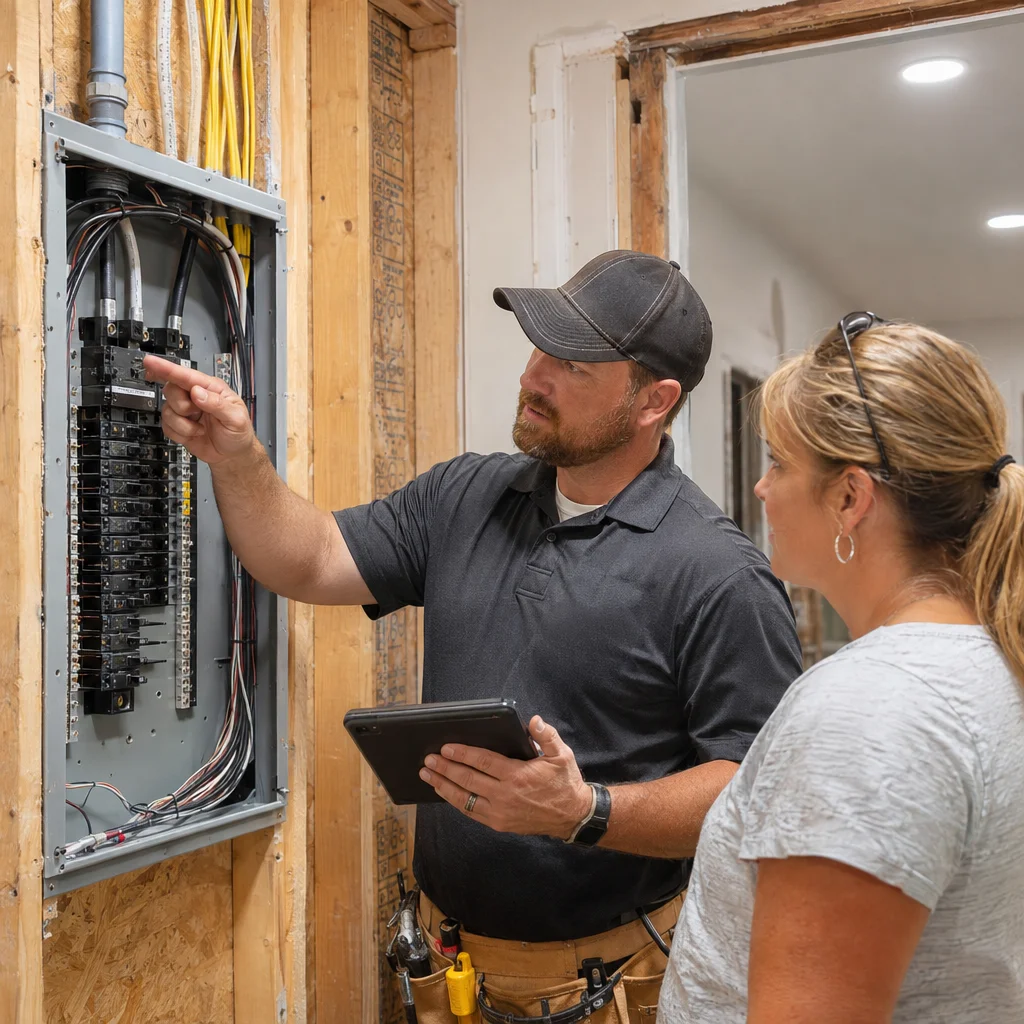
Most residential cameras draw relatively little power. Adding two cameras does not, by itself, justify a panel upgrade. What matters is the condition of the panel and the load already on the branch circuit supplying the equipment. A garage receptacle labeled “lights” on an old panel directory might also serve a freezer and several workbench outlets. Ask the electrician to verify the circuit rather than relying on a handwritten label.
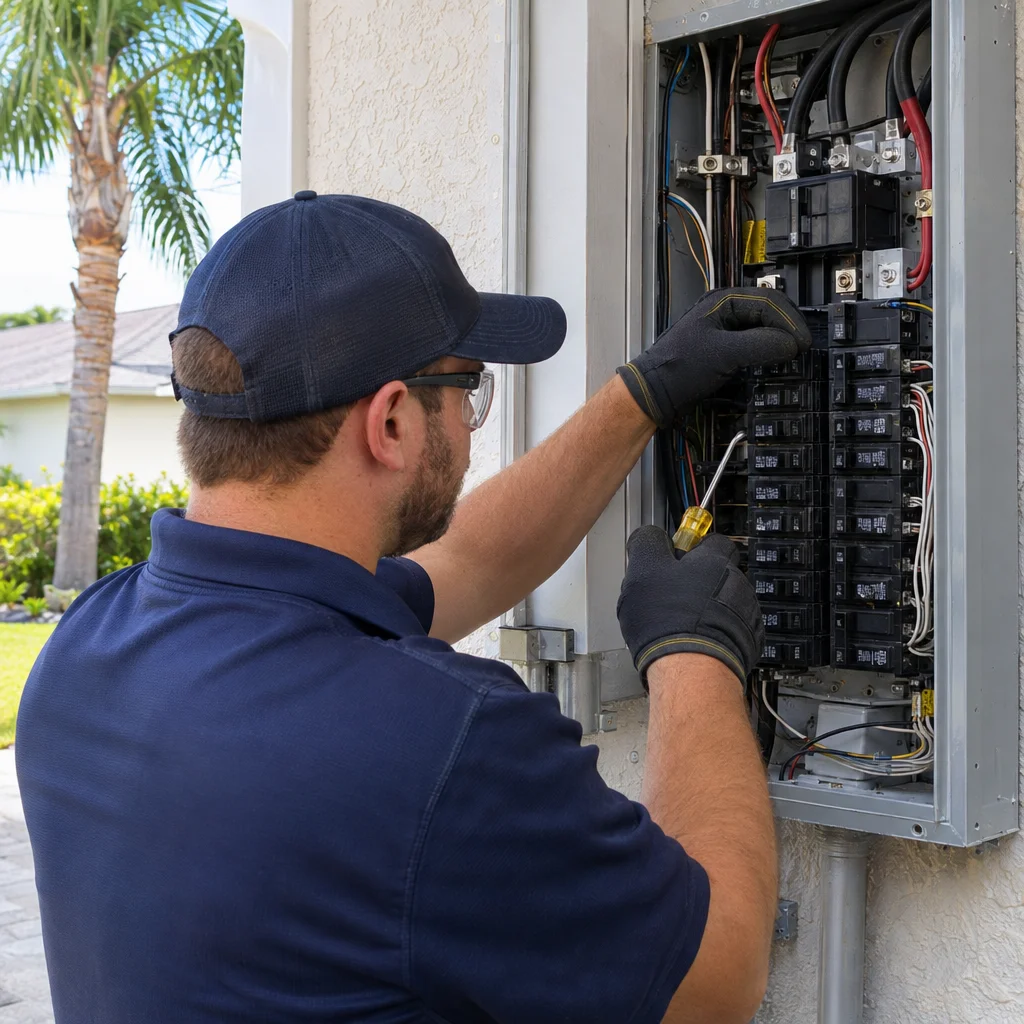
In an older Fort Walton Beach home, several rounds of remodeling can make the original circuit layout hard to recognize. In a newer home, the directory may be accurate, but plans for an addition, EV charger installation, or new appliance circuit can change the overall power demand. An electrical contractor can evaluate service capacity for those larger loads and decide whether a dedicated circuit makes sense for a recorder and network cabinet. An empty breaker space alone does not establish available capacity.
A tripping breaker needs a diagnosis
If the security equipment goes offline whenever someone uses a saw in the garage, note whether the breaker actually trips or the recorder simply reboots. Those are different clues. An electrician can check for an overloaded circuit, a loose connection, or faulty equipment before recommending breaker repair, wiring repair, or a new circuit. Never substitute a larger breaker to stop trips. The breaker must protect the wiring it serves.
Choose cable routes that can be serviced later
For a wired camera, Power over Ethernet, often called PoE, can carry data and power on one compatible network cable. That can eliminate the need for a receptacle at the camera itself. The switch or injector still needs a dependable power source indoors. Check both its per-port rating and its total power budget against the cameras' maximum draw, including infrared lighting at night. A switch with eight sockets does not necessarily have enough power for eight of your chosen cameras.
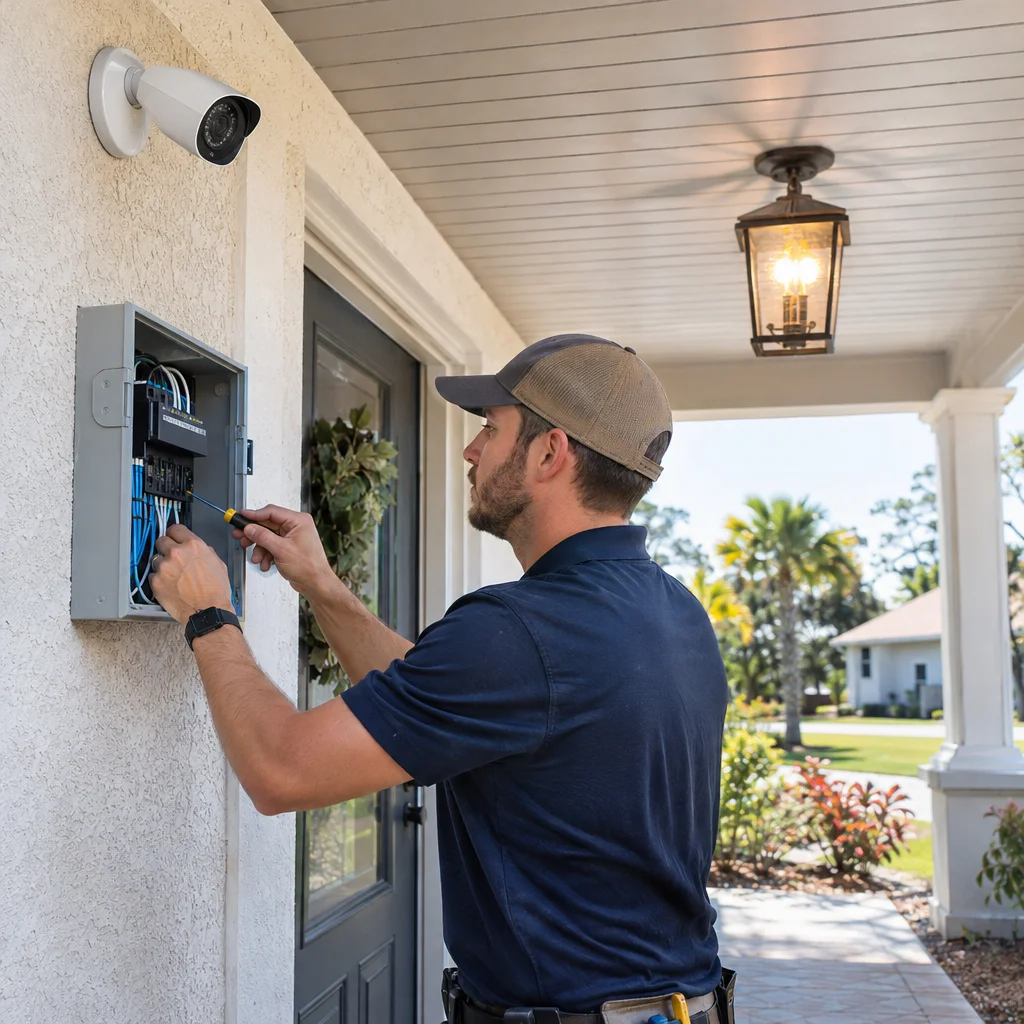
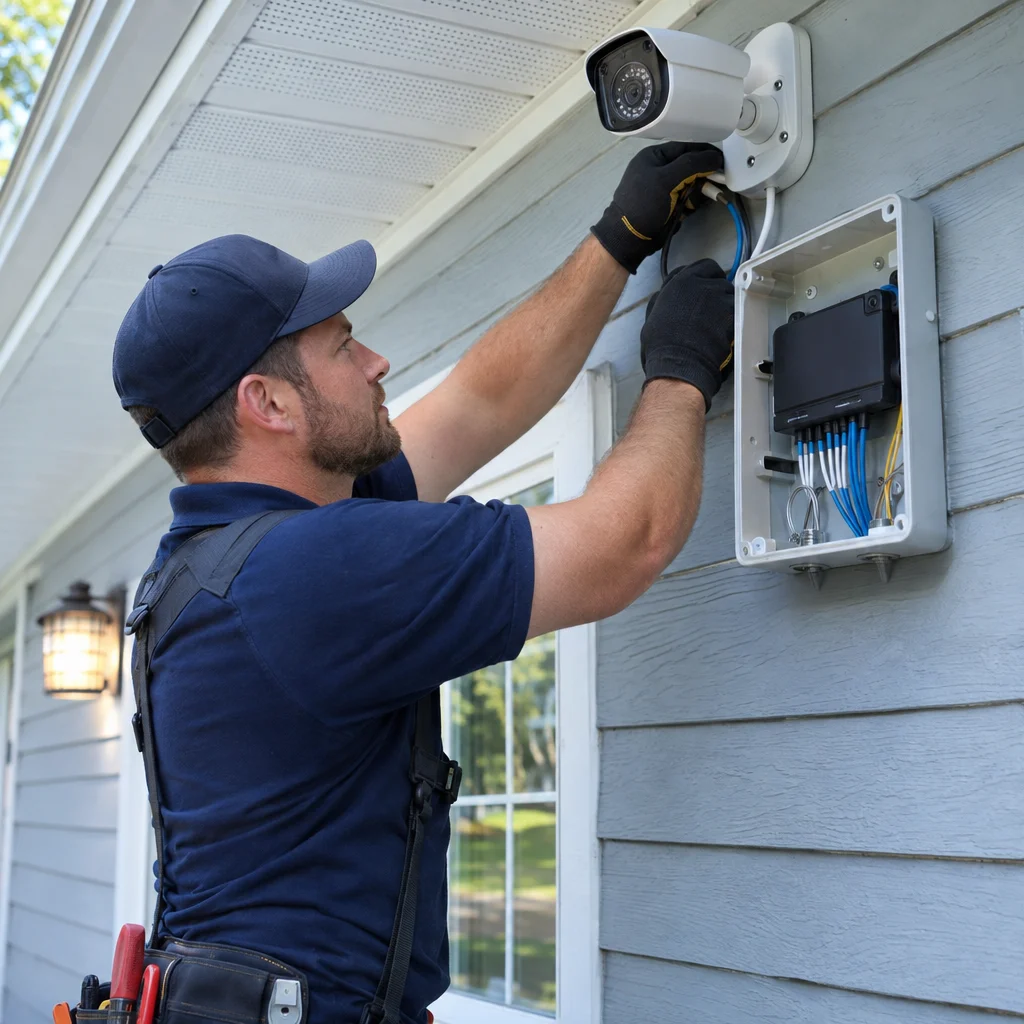
Ask whoever designs the data network cabling to identify each run at both ends and test it after installation. On a finished home, an accessible attic path may save opening several walls. During a remodel, photograph the routes before drywall goes up and discuss a spare pathway to a future addition. Low voltage wiring needs appropriate separation from household power wiring. Sharing an existing electrical box or conduit is not a shortcut to assume is permitted.
Treat an exterior wall as a weather boundary
Under a Fort Walton Beach eave, a connector can stay dry in a gentle shower and still take on water during wind-driven rain. Outdoor cable, fittings, and enclosures need ratings appropriate to the actual exposure. Entry points should shed water rather than guide it into the wall. Near salt air, also ask about corrosion resistance of mounting hardware. A rust streak beneath a camera bracket is worth investigating before the next storm, even if the picture still looks fine.
Give outlets, switches, and lighting separate jobs
A recorder belongs on an outlet that stays energized when someone turns out the lights. Check that detail especially carefully in a vacation rental, where guests may flip every switch on the way out. Locate the receptacle where the factory power cord reaches without an extension cord, and make sure a cabinet door cannot crush the adapter. The same planning applies to a doorbell camera: verify the existing transformer's rating against the new device and chime rather than assuming that an illuminated button means adequate power.
Outdoor and garage receptacles often require GFCI protection. If a camera adapter loses power after heavy rain, the reset point may be at another receptacle upstream. Repeated trips deserve investigation, not a workaround that removes the protection. For homeowners searching for “GFCI outlet repair near me,” it helps to tell the electrician whether other outlets stopped working and whether the loss followed rain. That information can narrow the inspection to an exterior box or a particular branch of the circuit.
Coordinate lighting installation with the camera layout. A driveway floodlight should illuminate the approaching person, not shine into the lens. Inside a screened porch, keep a ceiling fan's moving blades out of the camera view to reduce nuisance motion alerts. If new switches are part of the job, this room by room plan for outlets and switches can help you decide which lights need manual control and which equipment should have uninterrupted power.
Decide what must keep working in an outage
Be specific about the result you want. Recording events locally during a brief outage is not the same as receiving phone alerts while utility power and neighborhood internet service are both down. For local recording, trace the power supply to the cameras, network switch, and recorder. For remote access, add the router and internet provider's equipment to the list. A battery at the alarm panel may support only the alarm, not the separate video system.
Size a battery backup against the combined equipment load and the runtime you need, using the manufacturer's runtime data. For longer interruptions, a planned generator installation can supply selected household circuits through appropriate transfer equipment. Confirm that the security equipment is actually on the backed-up side. A small battery backup can bridge the interval before a standby generator takes over. A Superior Mechanical's Fort Walton Beach backup power planning guide explains why that decision belongs in the broader household power plan.
Backup power and surge protection solve different problems. A generator supplies electricity during an outage; it does not replace a surge protective device. Ask an electrician to review panel surge protection, grounding, and bonding, especially where exterior data lines enter the building. No device guarantees protection against lightning. After a nearby strike, report damage to other electronics as well as failed cameras so the inspection is not limited to the most obvious casualty.
Separate a repair visit from an electrical emergency
One fuzzy feed with four other cameras working points toward a different investigation than a dead recorder and flickering house lights. Write down the time of the fault, the weather, which devices stayed on, and any appliance that had just started. If you are searching for “electrical troubleshooting near me,” those details give the technician a better starting point than a list of replacement cameras you have tried. For intermittent power or damaged outlets, arrange local electrical repair rather than opening the panel yourself.
A hot receptacle, buzzing accompanied by a burning odor, or visible charring calls for prompt attention from an emergency electrician. Stop using the affected equipment. If you see smoke or flames, leave the house and call 911 from outside. After flooding, do not walk through standing water to reach a breaker or touch wet electrical equipment. Keep clear and contact the utility or emergency services as appropriate before arranging storm damage inspection and repair.
Build maintenance into the handoff
Before the installer leaves, ask for a circuit directory, cable labels, equipment locations, and a demonstration of playback, not just a live picture. Have the installer verify the agreed backup functions during a controlled loss of power. If smoke detector installation or monitored fire detection is also planned, clarify which devices provide required household alarms and how they are tested. A camera notification is no substitute for a working smoke alarm.
Before storm season, check the date on backup batteries against the manufacturer's replacement schedule, review a nighttime recording, and look from the ground for loose covers or damaged cable. Repeat the visual check after severe weather. At the next electrical inspection, mention recurring trips, recent additions, and any outdoor enclosure that shows moisture. Local electrical maintenance is most useful when the electrician can compare today's condition with the original installation record.
For a new installation or a remodel, bring your floor plan and a short list of outage priorities to A Superior Mechanical. A Fort Walton Beach electrician can review existing wiring, identify necessary code corrections, and explain any permit or inspection requirements for the scope of work. If you also manage a property elsewhere in Okaloosa County, keep a separate circuit map for each address. Knowing exactly which outlet powers the recorder is a small detail until you need last night's footage.
Find Security System Wiring in Fort Walton Beach, FL
If you need Security System Wiring in Fort Walton Beach, FL, visit our local service page or contact A Superior Mechanical today.
Map of Fort Walton Beach, FL
Frequently Asked Questions
Does every outdoor security camera need its own outlet?
No. A compatible Power over Ethernet camera receives power and data through one network cable from a powered switch or injector. A plug-in camera needs a suitable receptacle and a power supply rated for its location. Check the model before scheduling outlet installation.
Is a remodel a good time to wire for cameras I will buy later?
Yes. While walls are open, an electrician or cabling installer can plan accessible routes, install suitable cable or a spare pathway, and label the endpoints. Decide where the recorder and switch will sit first so the runs end somewhere useful.
Will my Fort Walton Beach security system record if the internet goes out?
It depends on where the footage is stored. Some cameras record to a local card or recorder without internet service, provided the necessary equipment still has power and local connectivity. Cloud recording and remote alerts generally require a working internet link. Ask the installer to demonstrate what happens with that link disconnected.
Related Articles
- A Fort Walton Beach Backup Power Plan Built Around the Whole Electrical System
- A Room by Room Electrical Plan for Fort Walton Beach Outlets and Switches
- Why Preventive Electrical Service Matters for Security System Wiring in Mary Esther, FL
- Cleaner Water, Fewer Spots: How Water Softening Systems Improve Everyday Life in Fort Walton Beach
Photo Gallery