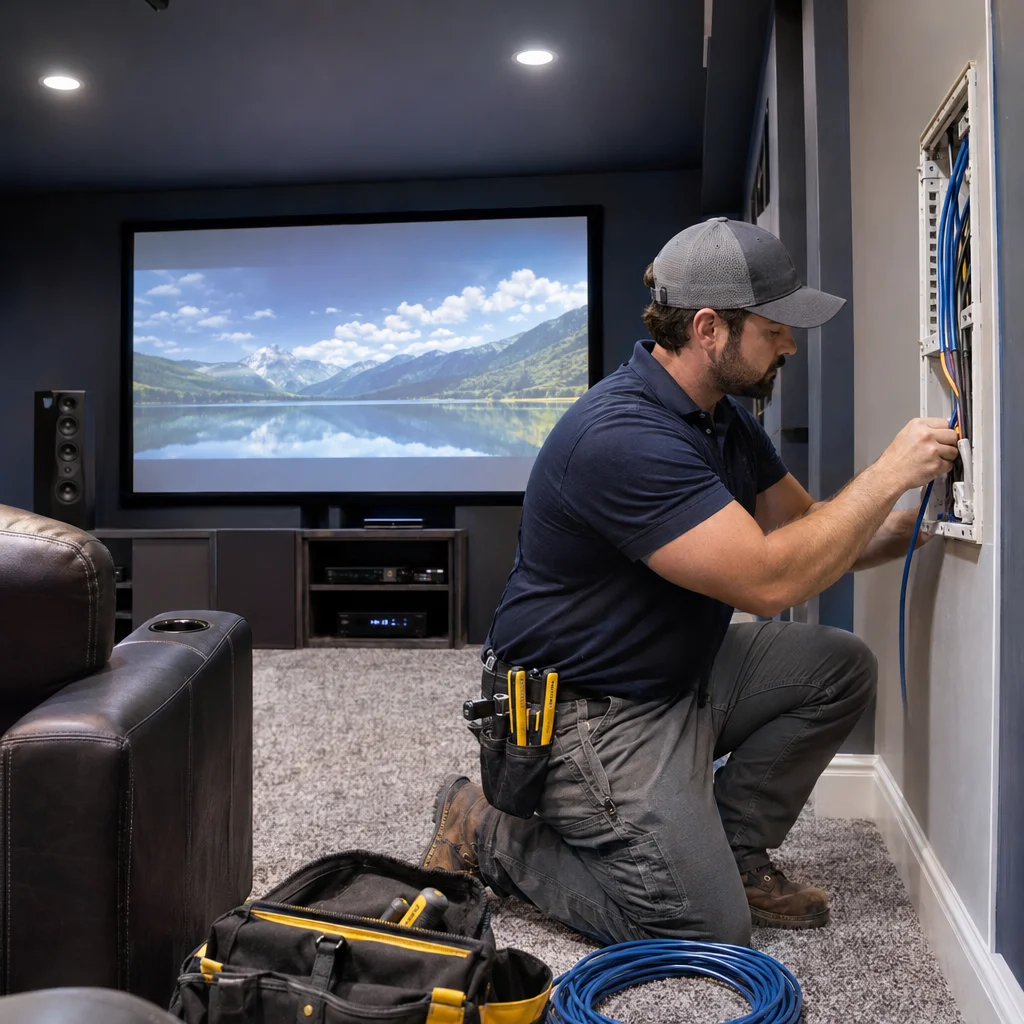
Before you settle on a screen size, pull the media cabinet away from the wall. Where is the nearest outlet? Can you reach it with the cabinet in place? If the receiver lives on one side of the room and the TV goes on the other, how will you replace the cable between them? Those questions have more bearing on the finished room than whether the TV bracket tilts.
For a Callaway homeowner, a good theater plan should work on an ordinary Friday night and be easy to shut down ahead of a Gulf storm. A Superior Mechanical's home theater and AV wiring service in Callaway, FL brings the power, surround sound wiring, TV mounting, and concealed cabling decisions together before anyone cuts into a wall.
Start with the furniture, then mark the electrical plan
Use painter's tape to mark the screen, cabinet, and approximate speaker locations. Sit in the seats you actually use. A window reflection might move the screen a foot to the left, or you might find that the best place for a powered subwoofer is beside the sofa, nowhere near the TV outlet. Make those discoveries while it still costs nothing to move a piece of tape.
Write down what belongs at each location. Passive rear speakers need speaker cable from the amplifier, but wireless rear speakers may still need local power. A streaming box hidden in a cabinet needs a way to receive commands with the door closed. A ceiling projector needs power as well as a signal path. Give the electrician the equipment model numbers and bracket drawings rather than relying on a generic media room diagram.
Find out what the existing circuit already serves
A panel label that says 'living room' doesn't necessarily mean the theater has a circuit to itself. In an older Callaway home, the same breaker might serve outlets on the opposite side of a shared wall. In a newer home, there might be plenty of receptacles along the media wall, all on one circuit. Adding another outlet to that circuit improves access, not capacity.
Ask the electrician to identify the outlets and lights on the proposed circuit and review the equipment's electrical input ratings. The advertised audio output of an amplifier is not its household power demand. Include the less obvious loads, such as powered seating or a game console, and mention anything that routinely runs in the adjoining room. That information helps determine whether an existing circuit is suitable or a dedicated circuit makes sense.
A full panel and an overloaded service are different problems
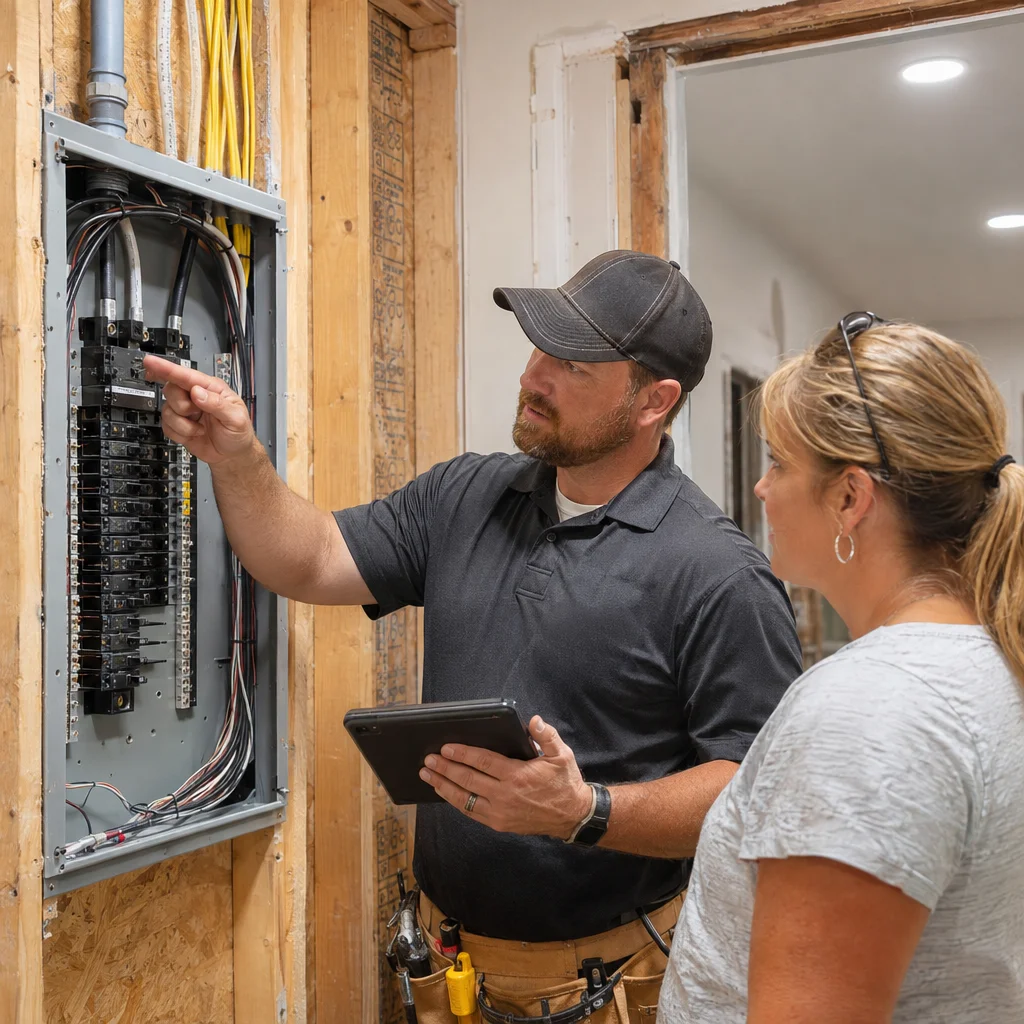
A dedicated circuit needs an appropriate breaker position, but an empty slot alone doesn't establish that the panel can support another load. The electrician should check the panel's condition, compatible breakers, and available capacity. If your remodel also includes an addition or Level 2 EV charger installation, disclose those plans now. A load calculation that considers the whole project is more useful than two estimates based on different assumptions.
Repeated trips are a reason for diagnosis, not a reason to install a larger breaker. What looks like a breaker repair might turn out to be a damaged connection, a fault in a device, or several loads running together. If the assessment points to panel upgrades or wiring repair beyond the theater, this guide to electrical replacement in Callaway homes puts those decisions in context.
Put outlets where the plugs will actually fit
TV mounting dimensions matter down to the inch. Some slim brackets leave almost no room behind the center of the screen. A receptacle placed there can be unusable even though the TV completely hides it. Have the installer mark the rails, mounting bolts, TV power connection, and cable exit together. A properly placed recessed receptacle can give the plug clearance without pushing the screen farther into the room.
If your project began with a search for 'outlet installation near me,' bring a side view of the cabinet as well as a photo of the wall. A deep receiver with cables attached may fill the entire shelf. Outlets just to one side of the cabinet interior may be easier to reach than outlets directly behind the receiver. Leave the ventilation space the manufacturer specifies, particularly in a closed cabinet during a humid Callaway summer.
Don't conceal a TV's ordinary power cord or an extension cord inside the wall. Have a qualified electrician install permanent power or an appropriate listed in-wall power system. For a projector, agree on the ceiling mount location and power connection before patching the ceiling. Keep the projector, mount, and cables clear of ceiling fan blades, and check that the fan won't cast a moving shadow across the picture.
Give signal cables a route you can use again
A surround sound system is easier to service if each speaker run has a label at both ends. The same goes for network and video cables. Ask for in-wall rated cable appropriate to each location, with low voltage and line voltage wiring routed and separated as required. Separate wall plates can still sit neatly behind the same screen without forcing signal cables into an electrical box that isn't designed for them.
For a long projector run, test the picture at the intended resolution and refresh rate before closing the ceiling. Some active video cables are directional. A cable can look perfect from both ends and still fail to deliver a picture if installed backward. A suitably sized raceway with accessible ends and gradual bends can spare you drywall work when a future video cable has a larger connector.
Plan for the network, not just the screen
If Wi-Fi drops at the far end of an addition, a new TV may inherit the same problem. While the walls are open, consider data network cabling between the router location and the entertainment cabinet. A wired connection for the streaming player can also leave wireless capacity available for phones and tablets. Note the destination of each run on a simple floor plan and keep photos of the routes before drywall goes up.
Make the room usable with the picture on or off
A dark room is great for viewing until someone needs to find a step or read a remote. Put low level path lighting on a different control from the bright fixtures used for cleaning. Try the proposed fixture positions with the TV off: its dark glass makes reflections easy to spot. With a projector, light aimed toward the seating rather than the screen generally preserves a better picture.
When comparing options for 'lighting installation near me,' ask how the proposed lamps and dimmers perform at the lowest setting. An LED that flickers or cuts out just above minimum brightness isn't much use during a movie. A local indoor lighting installation can include separate switches for viewing and task lights. Keep a usable wall control even if you prefer a smart remote, particularly in a vacation rental where guests won't have your app.
Account for coastal storms before connecting expensive electronics
Lightning and utility disturbances in Bay County can affect a theater even when none of its components is running. Ask about coordinated protection at the panel and at sensitive equipment, along with an assessment of grounding and bonding. A plug strip that simply adds outlets is not necessarily a surge protector. Look for a protection status indicator on a listed device, and follow its replacement instructions if the indicator shows protection has been lost.
A search for 'surge protector installation near me' is also an opportunity to ask about incoming coaxial lines. Protecting only the electrical supply leaves other conductive paths to connected equipment unaddressed. No residential surge protection system guarantees protection from a direct lightning strike. Plan any precautionary disconnects before the storm arrives, not while lightning is active or water is entering the room.
Backup power is a different decision. If you're considering generator installation, decide whether you need the theater itself during an outage or just the modem, router, and a few lights. In some homes the router is on a backed up circuit but the internet provider's equipment in the utility closet isn't. Review the circuit choices with an electrician planning whole home backup power. A properly installed transfer arrangement is essential to keep generator power from feeding back onto utility lines.
Use the remodel to catch electrical trouble
A wall opening can reveal previous alterations, damaged cable, or a junction box that someone intended to bury behind a built-in. Stop and have questionable work assessed before the cabinet goes in. For garage conversions and rooms adjoining damp locations, ask which outlets require GFCI protection and which circuits require arc fault protection. A theater layout doesn't override the protection requirements for the space or remove the need for accessible boxes.
A local electrical contractor can check permit and inspection requirements for the actual scope of your Callaway remodel. If the project changes the layout near sleeping rooms, include smoke detector installation or relocation in that discussion. Electrical inspections and code corrections are easier to coordinate while wiring is visible than after the trim carpenter has finished the media wall.
Know which symptoms cannot wait for movie night to end
If a plug fits loosely or the picture cuts out whenever the cabinet moves, stop using that outlet and arrange outlet repair. A burning smell, crackling, scorch marks, or an unusually hot faceplate warrants urgent attention from an emergency electrician. Don't keep resetting a tripping breaker to finish a show. If you see smoke or flames, get everyone outside and call 911. After storm flooding, stay away from wet equipment and never approach a panel through standing water.
Keep a record with the equipment
At handoff, test each input, speaker, switch, and network connection. Ask for the circuit identification, cable labels, and a photo showing the concealed routes relative to a fixed point such as a doorway. Keep those records where you can retrieve them without moving the TV. During routine maintenance, check visible cords for pinching and make sure cabinet vents haven't become storage shelves. After a storm, check surge protection indicators when it's safe to do so.
For a site visit, give A Superior Mechanical your room sketch, equipment list, and plans for any larger electrical work. Note which walls will be open and when they're due to close. That lets the team coordinate electrical service in Callaway around the remodel and distinguish the work you need now from upgrades that can wait. For another property nearby, check the company's Bay County service area before scheduling.
Find Home Theater & AV Wiring in Callaway, FL
If you need Home Theater & AV Wiring in Callaway, FL, visit our local service page or contact A Superior Mechanical today.
Map of Callaway, FL
Frequently Asked Questions
Does a home theater in Callaway need its own breaker?
Not always. A TV and streaming player may work well on an existing circuit. An electrician can check what else that circuit serves and review the input ratings of amplifiers, powered speakers, and seating before recommending a dedicated circuit.
Can I hide my TV power cord behind the drywall?
An ordinary TV power cord or extension cord should not run through the wall. Have an electrician plan a receptacle behind the screen or an appropriate listed in-wall power system, with space for the plug and mounting bracket.
What should I install now if I want a projector later?
Decide on a likely projector and screen location first, since throw distance varies by model. While the ceiling is open, plan for mount support, a power outlet, and an accessible signal cable pathway. Photograph and measure those locations before drywall work.
Will a generator protect my AV equipment from surges?
A generator supplies backup power during an outage. It does not replace surge protection. Discuss panel protection, grounding, bonding, and protection at the equipment separately from the decision about which circuits to back up.
Related Articles
Photo Gallery