In Panama City Beach, a reliable home network is no longer a luxury. It supports remote work, streaming, security cameras, smart thermostats, and the devices families depend on every day. Good data network cabling in Panama City Beach, FL helps all of that run smoothly, but it also needs a little care to stay dependable over time.
Local conditions matter. Coastal humidity, salt air, summer storms, and older home construction can all affect wiring, jacks, and the spaces where network equipment lives. A small issue that starts as a loose connector or damaged cable can turn into slow speeds, dropped signals, or expensive troubleshooting later. For homeowners in Bay County, routine maintenance is one of the easiest ways to protect the network already built into the house.
For service across the area, A Superior Mechanical works with homeowners throughout Panama City Beach and the broader Bay County community, helping keep home networks stable, organized, and ready for daily use.
Why cabling maintenance matters in a coastal home
Most people think about Wi-Fi first, but the wired network behind it does a lot of the heavy lifting. Ethernet lines connect routers, access points, TVs, office spaces, security systems, and smart home devices. If the cabling is in poor shape, every connected device can feel the effects.
In Panama City Beach, the environment can be harder on electrical and low-voltage systems than many homeowners realize. Humid air can encourage corrosion at connectors. Storm season can introduce power issues that affect network hardware. Homes close to the water may also see faster wear in attics, garages, and utility closets where temperatures swing widely and moisture collects.
That is why maintenance is not just about fixing problems after they happen. It is about preventing signal loss, reducing replacement costs, and extending the life of the system already installed in your home.
Common data cabling problems homeowners run into
Loose or damaged connectors
One of the most common issues is a connector that has worked loose over time. A cable can still look fine from the outside while the connection inside the jack or patch panel has degraded. Homeowners may notice slower speeds, intermittent drops, or devices that only work when the cable is moved a certain way.
Moisture and corrosion
Coastal humidity can be tough on exposed metal contacts. If a network line runs through a damp utility area, garage, or attic, corrosion can build up slowly. Once that happens, the cable may still pass a signal, but the connection can become unreliable and harder to diagnose.
Poor cable routing
Cables that are bent too tightly, pinched behind furniture, or run near sources of electrical interference can cause performance issues. Homeowners sometimes add equipment over the years without revisiting the original layout, which can create a tangle of cords that is hard to troubleshoot and even harder to expand.
Outdated cabling
Older homes or older installations may still rely on cable types that do not support current internet speeds or modern device demands. If your household has added more smart devices, security cameras, or home office equipment, the network may be working harder than it was designed to.
If your home network has become inconsistent, it may help to compare the issue with other electrical concerns homeowners see in the area. Articles like Why Better Data Network Cabling Matters for Panama City Beach Homes and A Practical Path to Fewer Electrical Breakdowns in Panama City Beach Homes can help put the bigger picture into context.
Simple maintenance habits that can save money
Keep network gear in a dry, ventilated space
Where the router, modem, switch, and patch panel live matters. A closet that traps heat or a garage that gets damp can shorten the life of equipment and increase the chance of connection problems. A cool, dry, well-ventilated location is easier on the system and easier to service later.
Avoid overbending or stretching cables
Cables should not be forced around sharp corners or pulled tight across a room. Over time, stress on the cable can weaken the internal conductors and reduce performance. If a room layout changes, it is worth having the cabling adjusted properly instead of improvising with extra slack or cheap adapters.
Label lines and keep the panel organized
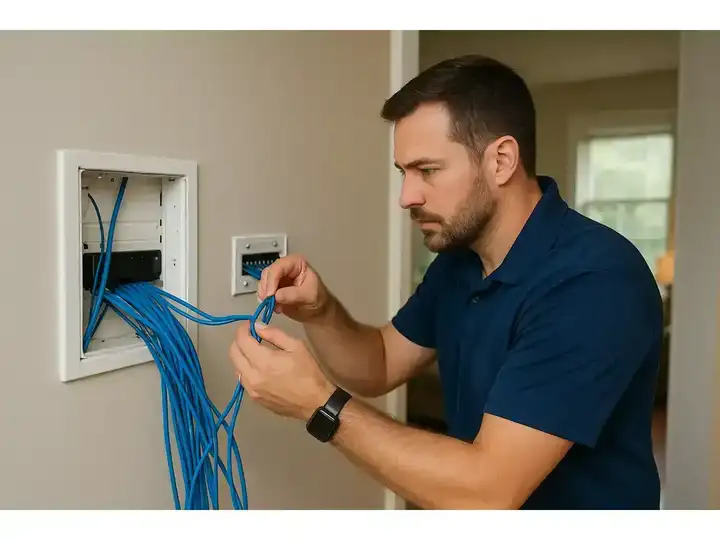
Many homeowners do not think about labeling until something stops working. Clear labels on cable runs, jacks, and devices can save time and money during future service. An organized panel also makes it easier to add new devices without disturbing the rest of the network.
Check visible cable runs after storms
After heavy rain or wind, a quick visual check is worth doing. Look for water intrusion near utility areas, loose wall plates, or equipment that was bumped during a power event. If your network started acting up right after a storm, there may be more than one issue at work.
Schedule occasional professional inspection
Even if the network seems fine, a trained technician can spot wear that homeowners miss. That may include damaged terminations, outdated hardware, poor cable management, or signs that the system is not keeping up with the home’s current needs. A routine inspection is often cheaper than replacing a failed run later.
How Panama City Beach weather affects network cabling
Local weather is a major reason homeowners in Panama City Beach should pay attention to cabling. Summer heat can make attic spaces extremely hot, which can dry out materials and stress equipment. Humidity can create condensation in areas that are not climate controlled. Tropical weather can also bring power fluctuations that affect routers, switches, and connected devices.
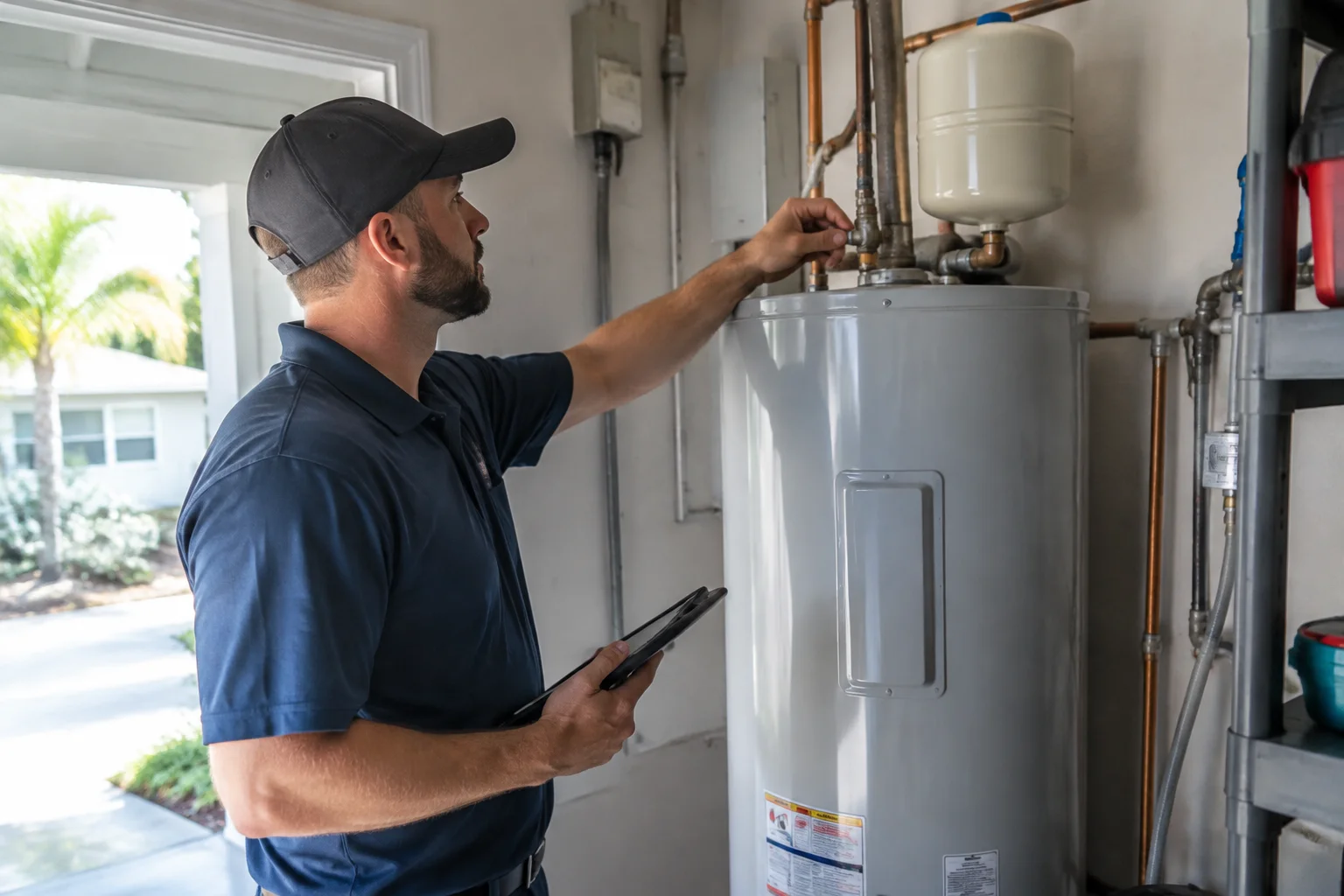
If your home has plumbing lines, HVAC equipment, and network hardware sharing utility spaces, the risk of moisture problems rises. That is one reason homeowners often pair network maintenance with other home service checks, such as Plumbing Services, Plumbing Repair, Air Conditioning Inspection, and Water Heater Services. When several systems live in the same part of the house, a broader maintenance mindset can prevent small issues from turning into expensive repairs.
Upgrades that make maintenance easier
Some homes need more than a tune-up. If the network is old, cluttered, or not set up for the way your family uses the house now, a few targeted upgrades can make future maintenance much simpler.
Structured cabling
Structured cabling creates a cleaner, more manageable network layout. Instead of a collection of random cables and adapters, the home has a more organized backbone that supports current devices and future additions. That can reduce service time and make troubleshooting much easier.
Cat6 or newer Ethernet runs
For many homes, upgrading to Cat6 or a similar modern standard can improve performance and support faster internet service. This is especially helpful if you work from home, use streaming devices in multiple rooms, or rely on wired security equipment.
Dedicated network spaces
A properly set up media cabinet or server rack keeps the system cleaner and safer. It also gives technicians a better place to inspect, test, and service the network without disturbing the rest of the home.
If you are planning improvements, it can help to review the service options on the local page for data network cabling in Panama City Beach, FL. For homeowners who want to understand the value of a cleaner installation, Why Better Data Network Cabling Matters for Panama City Beach Homes offers a practical look at how better wiring supports everyday use.
When network issues point to a bigger problem
Sometimes slow internet is not really an internet problem. It may be a cabling issue, a damaged termination, a failing switch, or a layout that no longer matches the home’s needs. If you have already replaced the router and still see dead spots, lag, or frequent disconnects, the wiring itself may need attention.
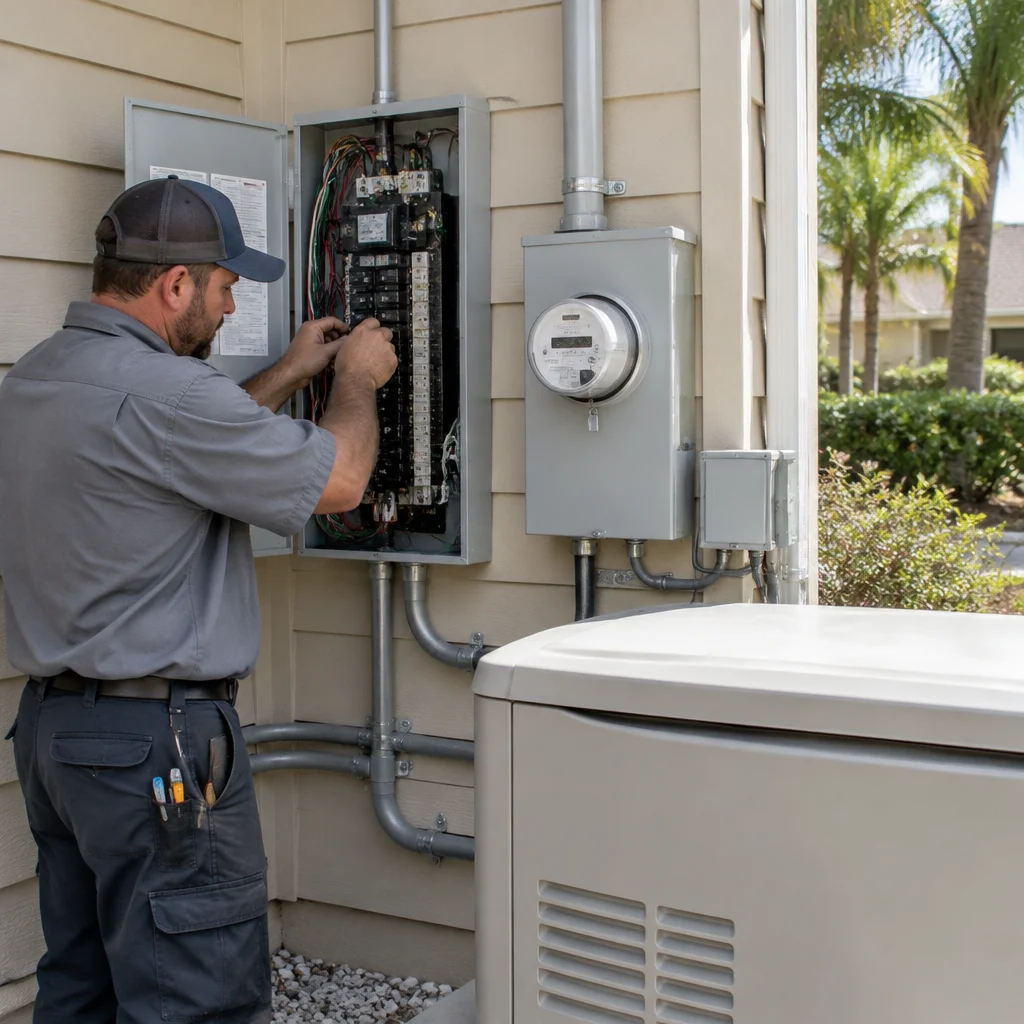
Homeowners should also pay attention if several systems begin acting strangely at once. For example, if you are seeing network trouble along with tripped breakers, power fluctuations, or other electrical inconsistencies, it may be worth reviewing related home systems. Articles such as Why Dedicated Circuits Help Panama City Beach Homes Avoid Bigger Electrical Problems and Getting More Years Out of Electrical Inspections and Code Updates in Panama City Beach can help homeowners think through the broader electrical picture.
How local service makes a difference
Local service matters because Panama City Beach homes are not all built the same, and the climate is not easy on equipment. A technician who works in Bay County understands the mix of coastal homes, newer developments, vacation properties, and older residences that all have different network layouts and service challenges.
That local knowledge helps with practical decisions. It can mean choosing better cable routes, protecting equipment from humidity, recommending the right type of cabling for the home, and identifying issues that are common in coastal neighborhoods. It also makes it easier to get service from a team that understands the area and the conditions your home faces year after year.
What homeowners can do before scheduling service
If you think your network cabling may need attention, a few simple notes can help during a service visit. Write down which rooms lose connection, whether the issue happens during storms or all the time, and whether the problem affects one device or several. If you have recently moved furniture, added new equipment, or changed your internet plan, that information can also help narrow down the cause.
It is also helpful to keep an eye on the physical condition of visible cabling. Frayed jackets, loose wall plates, warm equipment, or a cluttered media area are all clues that the system may need a closer look.
For homeowners who want a cleaner, more dependable setup, A Superior Mechanical provides professional support for homes and businesses that need fast, stable, future-ready connectivity. If you are ready to improve your setup or make sure your current system is holding up well, start with the local service page for Data Network Cabling in Panama City Beach.
Find Data Network Cabling in Panama City Beach, FL
If you need Data Network Cabling in Panama City Beach, FL, visit our local service page or contact A Superior Mechanical today.
Map of Panama City Beach, FL
Frequently Asked Questions
How often should Panama City Beach homeowners have data network cabling checked?
Every few years is a good starting point, and sooner if you notice slow speeds, frequent disconnects, or moisture issues in utility areas. Homes near the coast may benefit from more regular visual checks because humidity and salt air can speed up wear.
Can bad cabling cause slow internet even if the provider is fine?
Yes. Damaged or outdated cabling can create bottlenecks, signal loss, and unstable connections even when your internet plan is working properly. If Wi-Fi is weak in certain rooms or wired devices keep dropping, the cabling may be part of the problem.
What is the best way to protect cabling in a humid home?
Keep equipment in a dry, ventilated area, avoid exposed runs in damp spaces, and have loose or damaged connections repaired quickly. A clean, organized setup is easier to maintain and less likely to corrode over time.
Do I need new cabling if I add more smart devices?
Not always, but more devices can expose weak spots in an older network. If your current setup struggles under heavier use, upgrading to modern cabling or improving the layout can help the whole system perform better.
Related Articles
- Why Better Data Network Cabling Matters for Panama City Beach Homes
- Why Dedicated Circuits Help Panama City Beach Homes Avoid Bigger Electrical Problems
- A Practical Path to Fewer Electrical Breakdowns in Panama City Beach Homes
- Getting More Years Out of Electrical Inspections and Code Updates in Panama City Beach
Photo Gallery